Free AI Texture Generator
Generate realistic textures based on prompts in as little as 3 seconds. 20 images a day for free.

100% free to use
Generate as many AI texture variations as you want.

Your generations stay private
We don't use or share your creations with any third parties.

Full commercial licence
Feel free to use your AI-generated textures in commercial projects.
Generate custom AI textures for any purpose in seconds
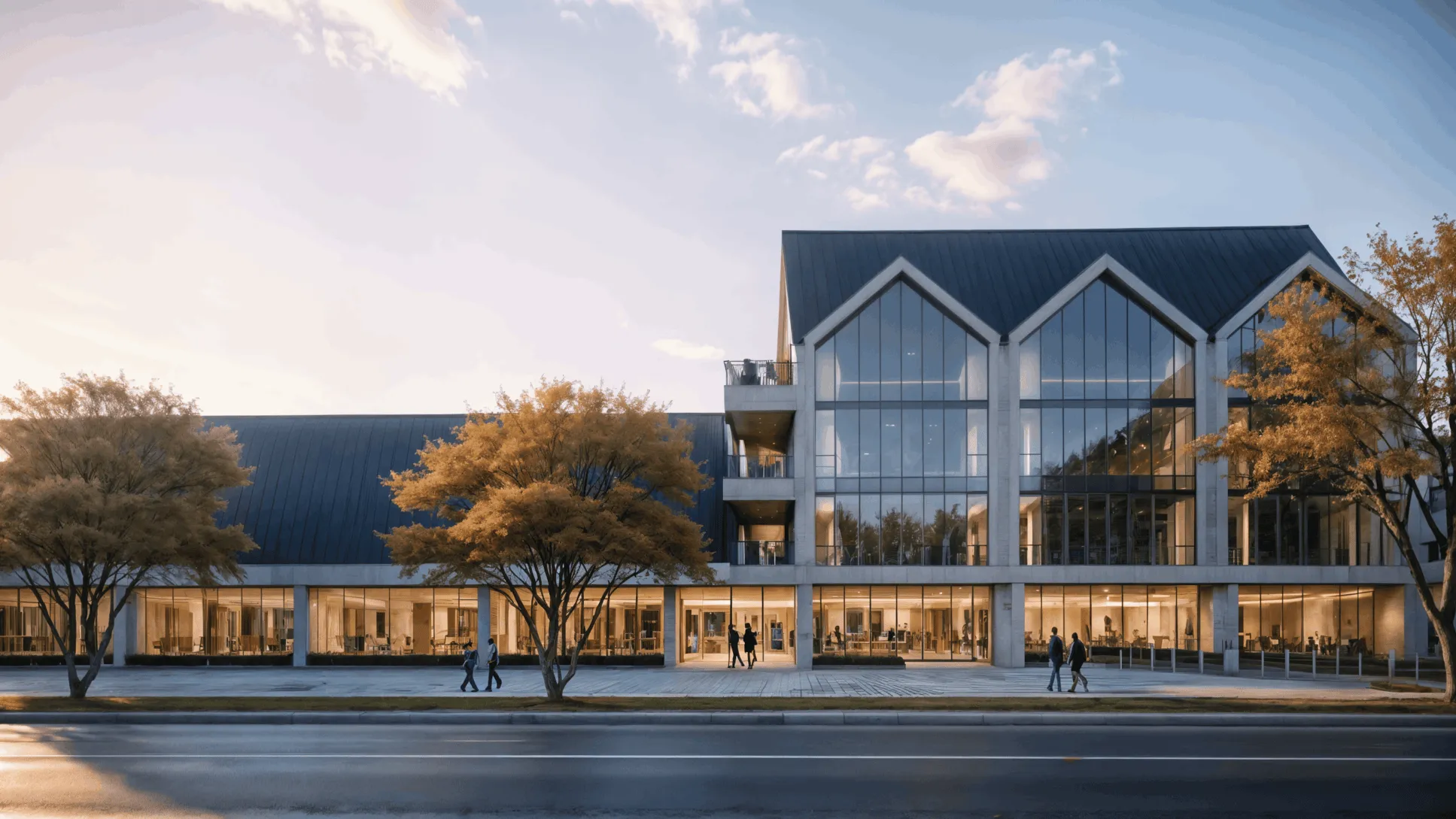
Architecture
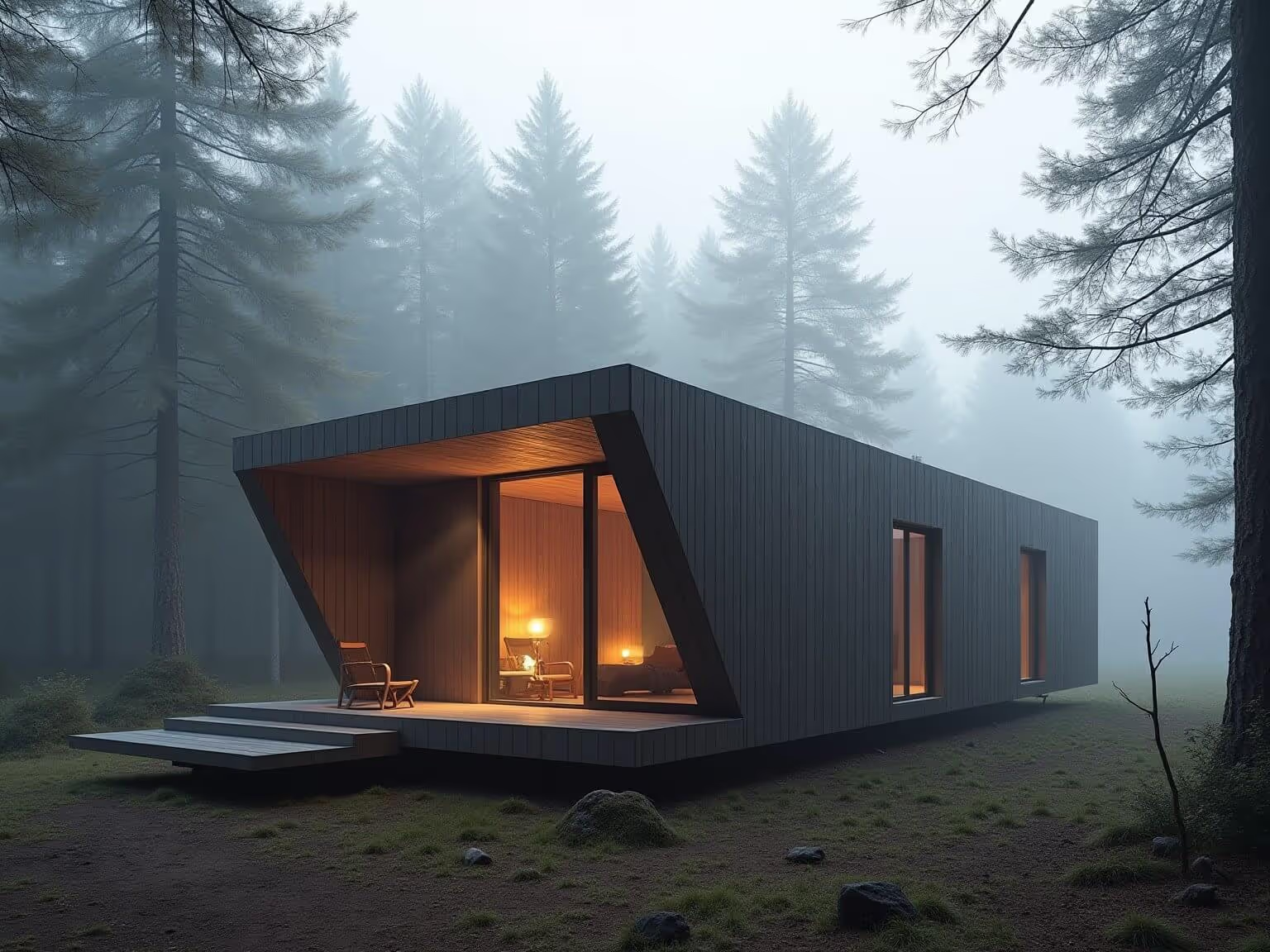
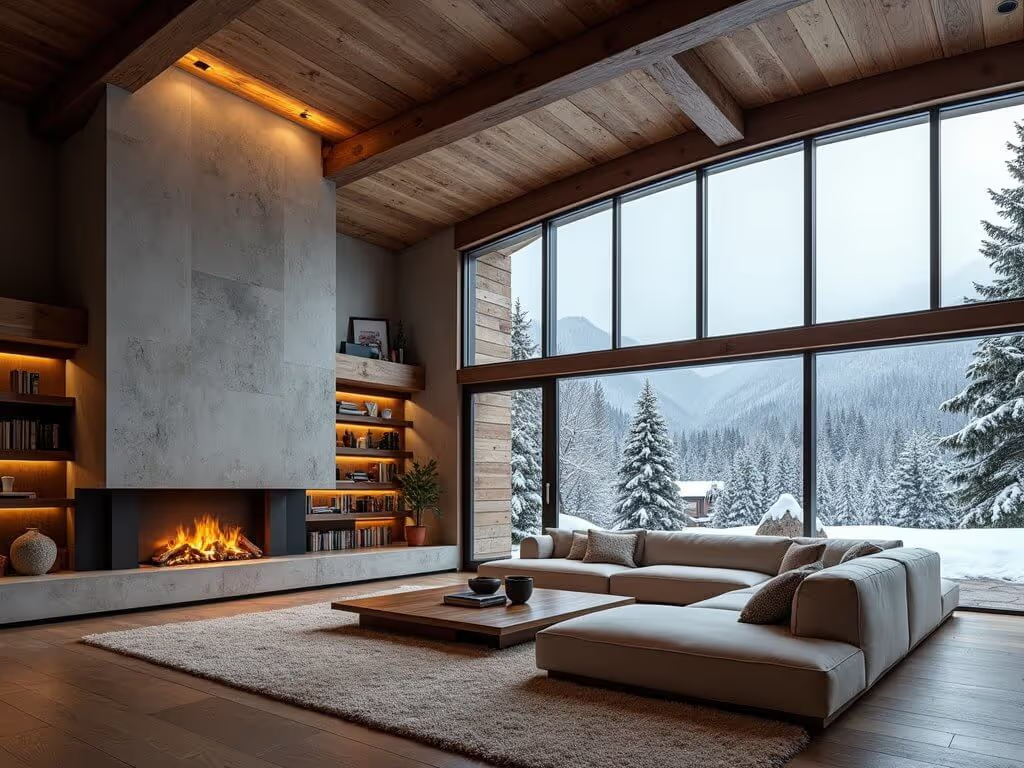
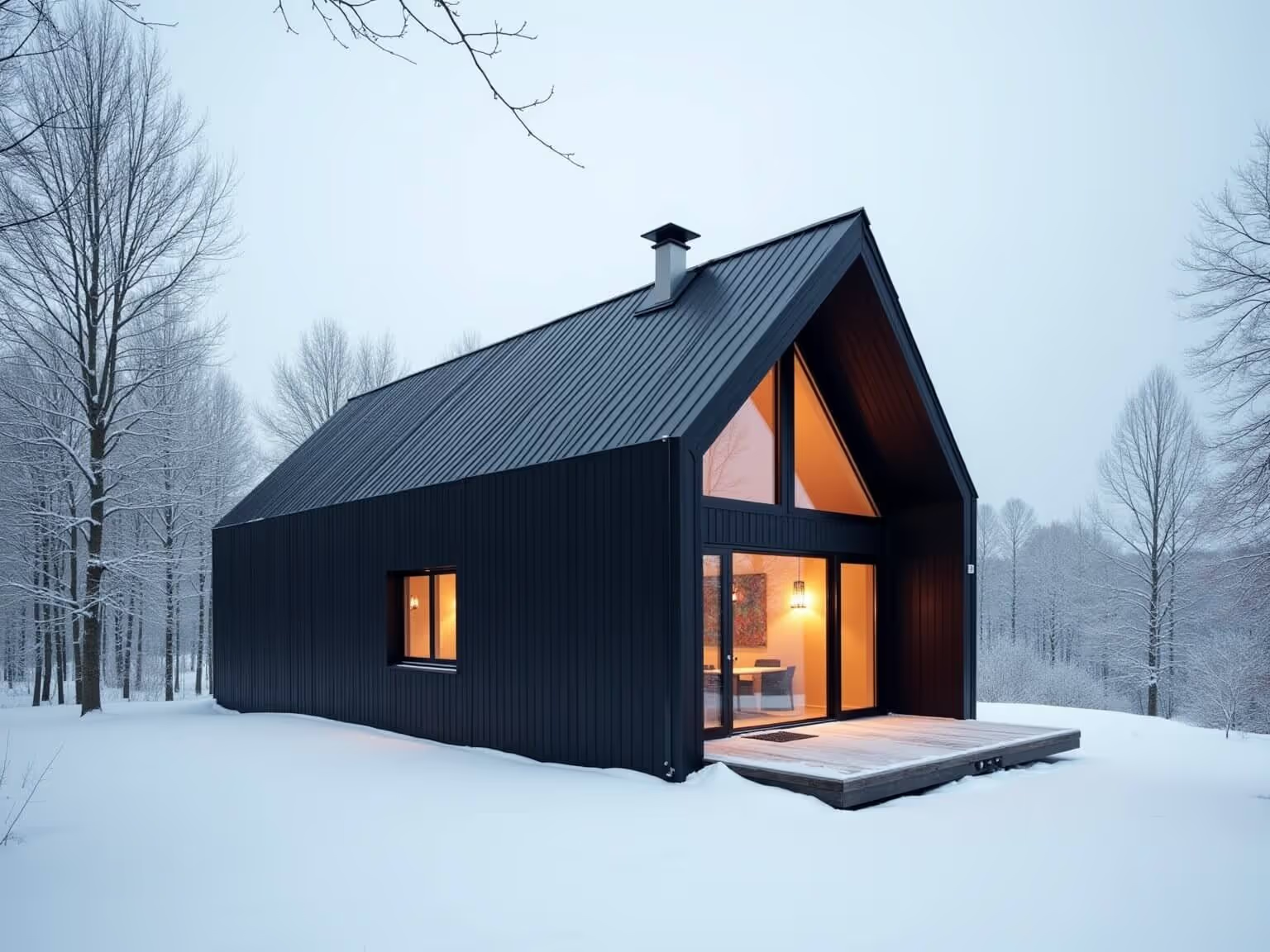
Quickly generate custom textures to use for facades, vegetation, landscape, and more.
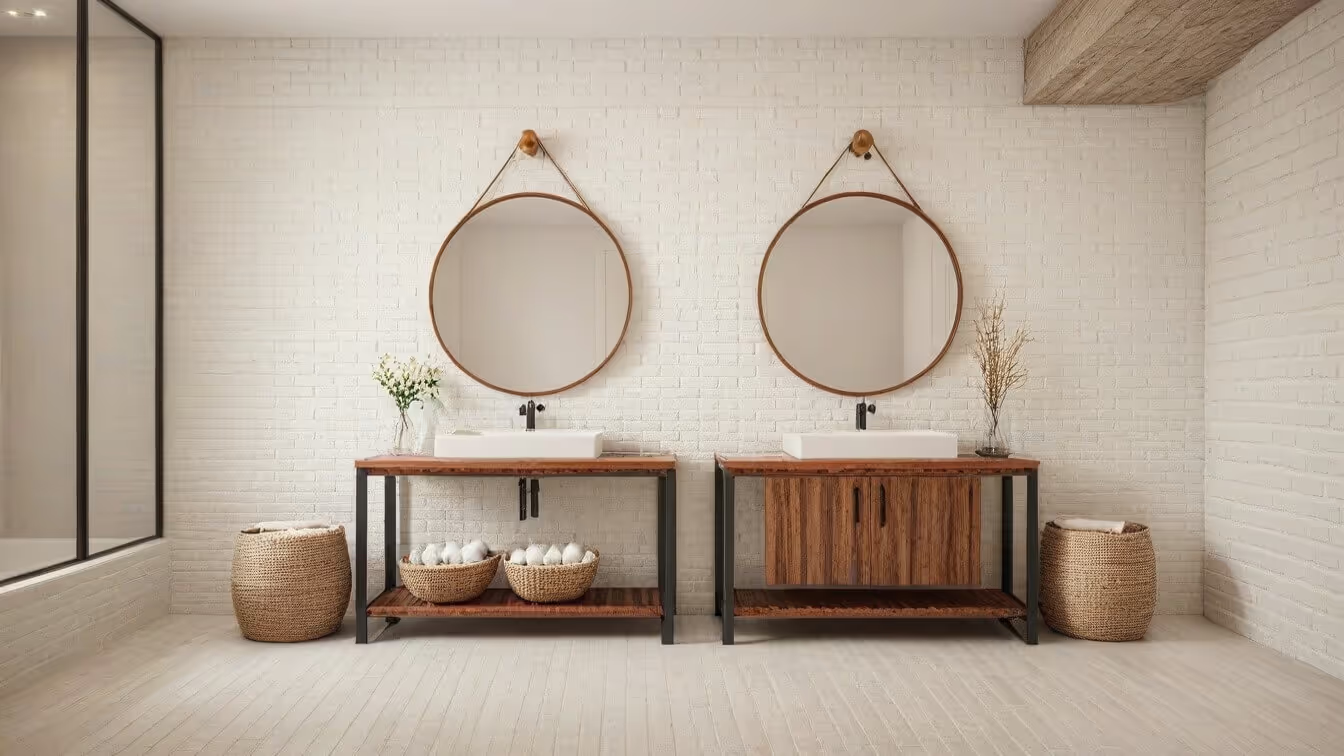
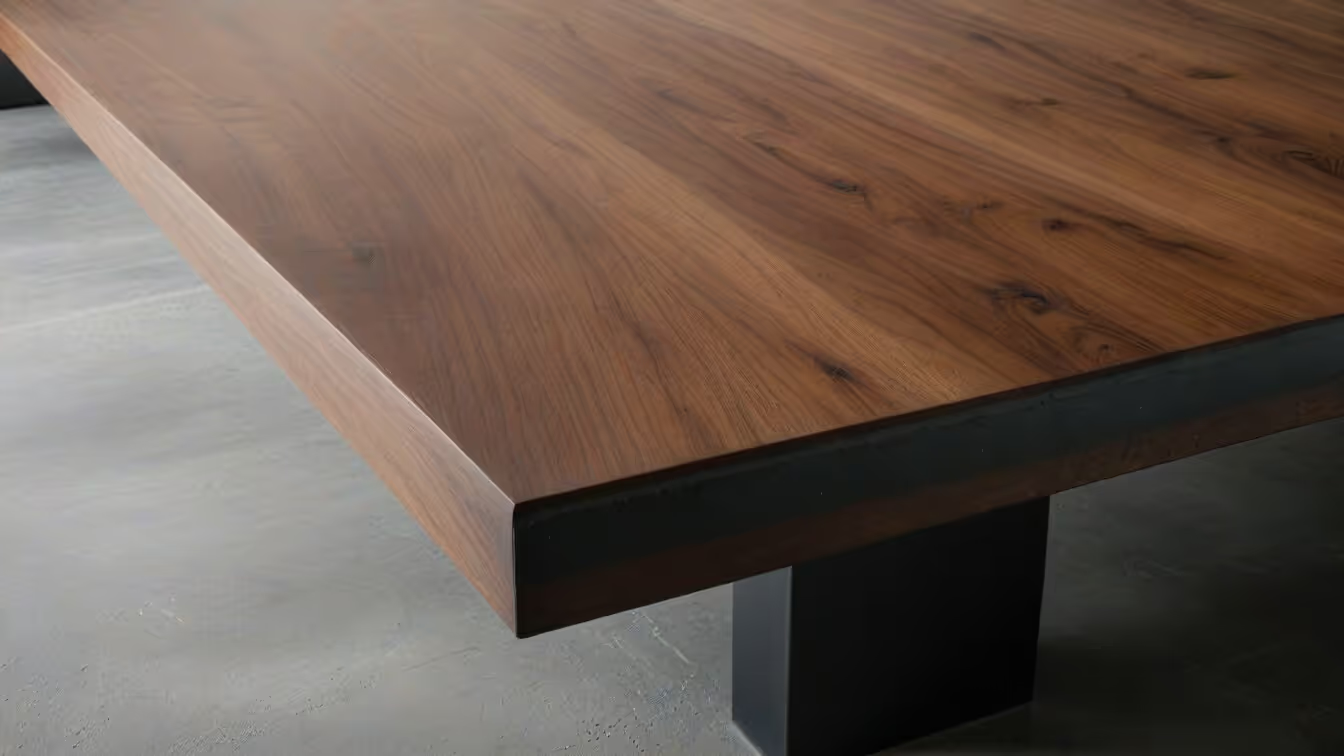
Furniture design
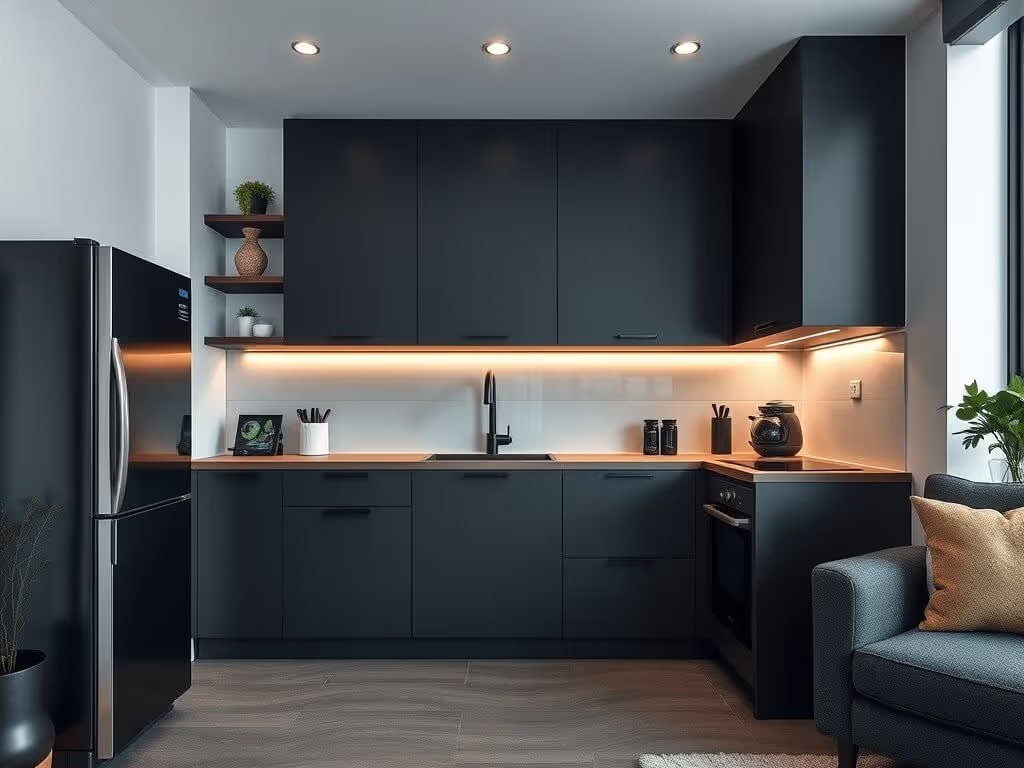
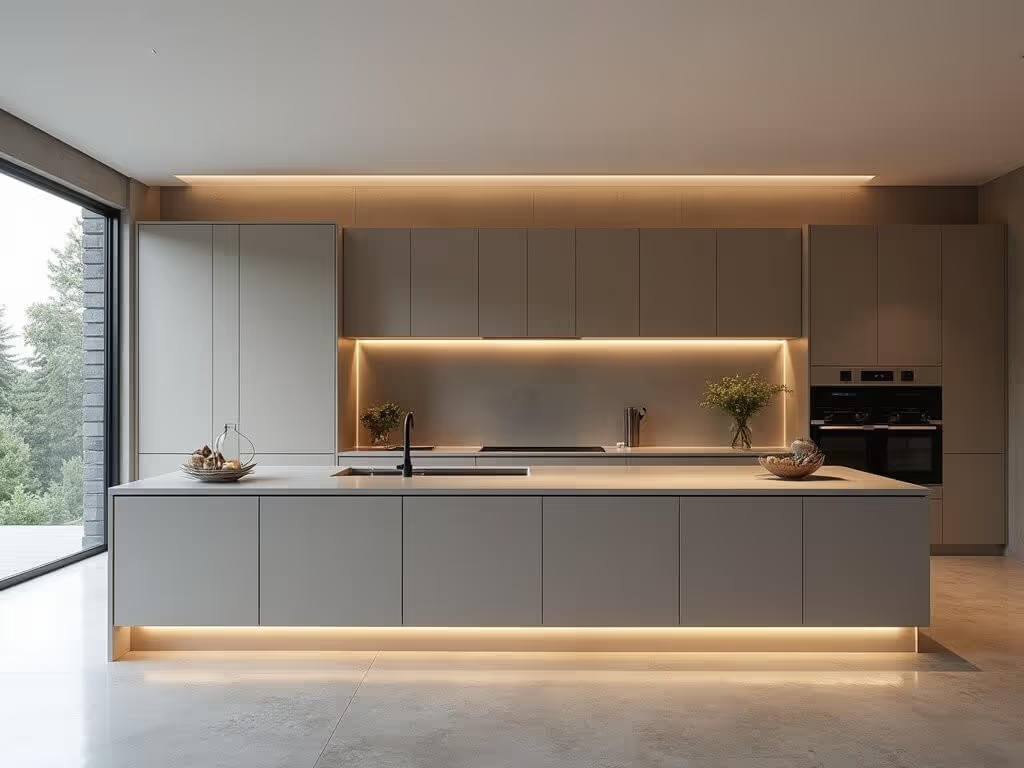
Generate unique textures and fabrics to use in our product design ideation process.
AI texture examples
Here’s a small sample of what you can generate using our AI texture maker, together with prompt examples for inspiration.
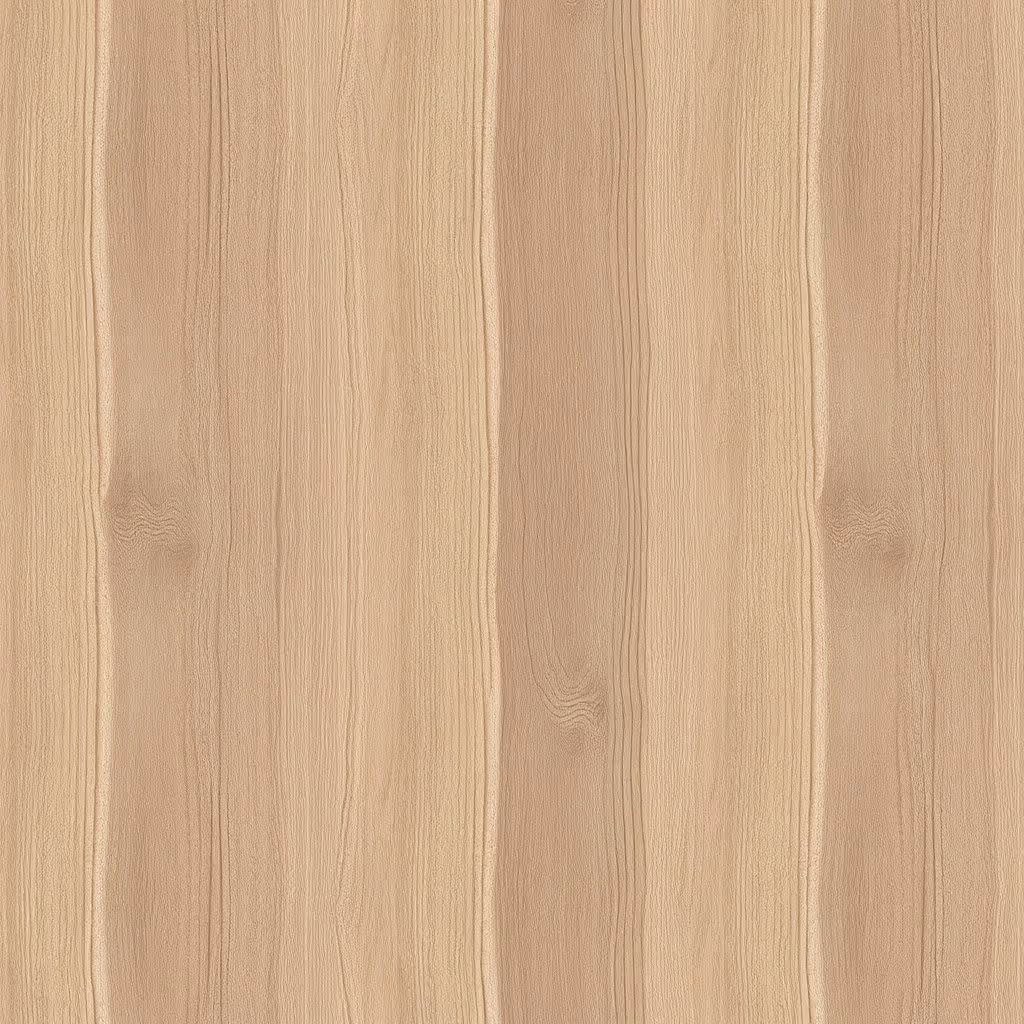
"matte oak wood texture, even lighting, sharp details"
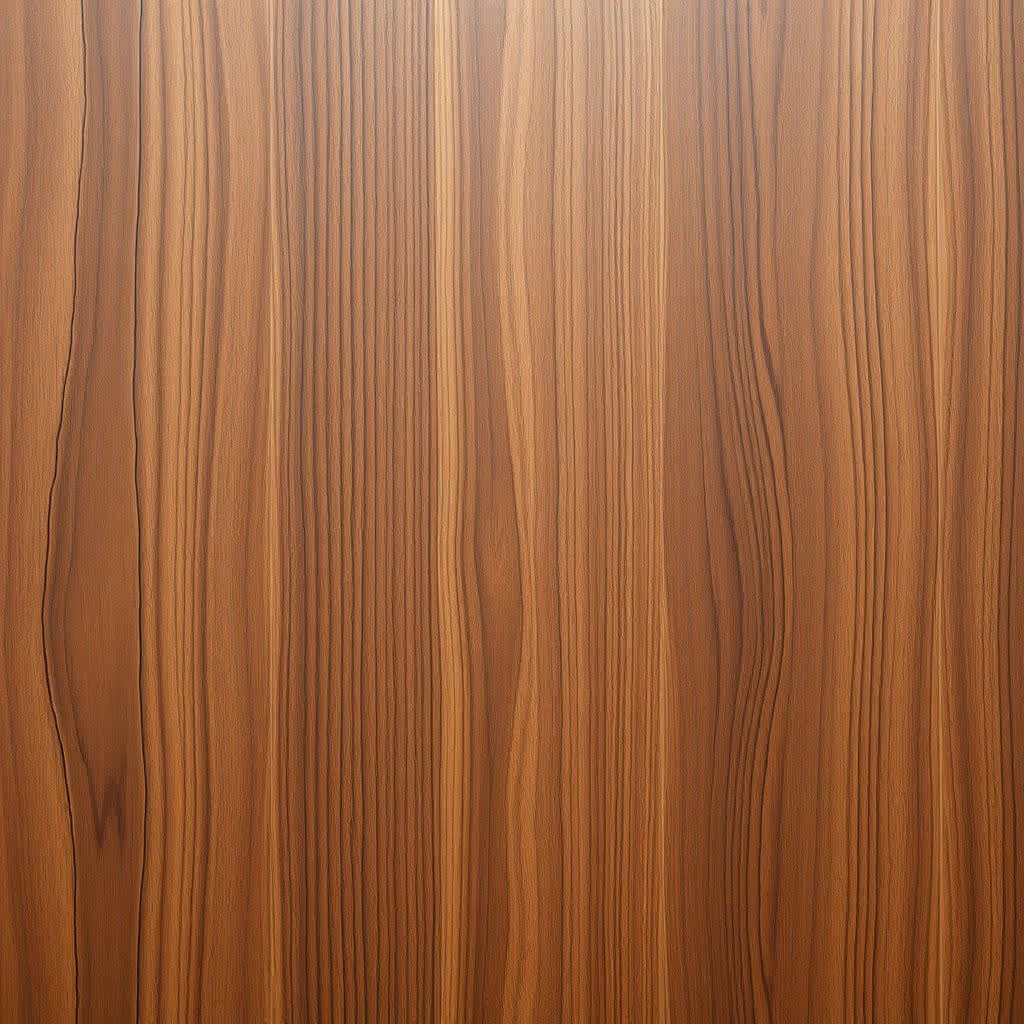
"glossy walnut texture, even lighting"

"creamy pine wood texture, even lighting"
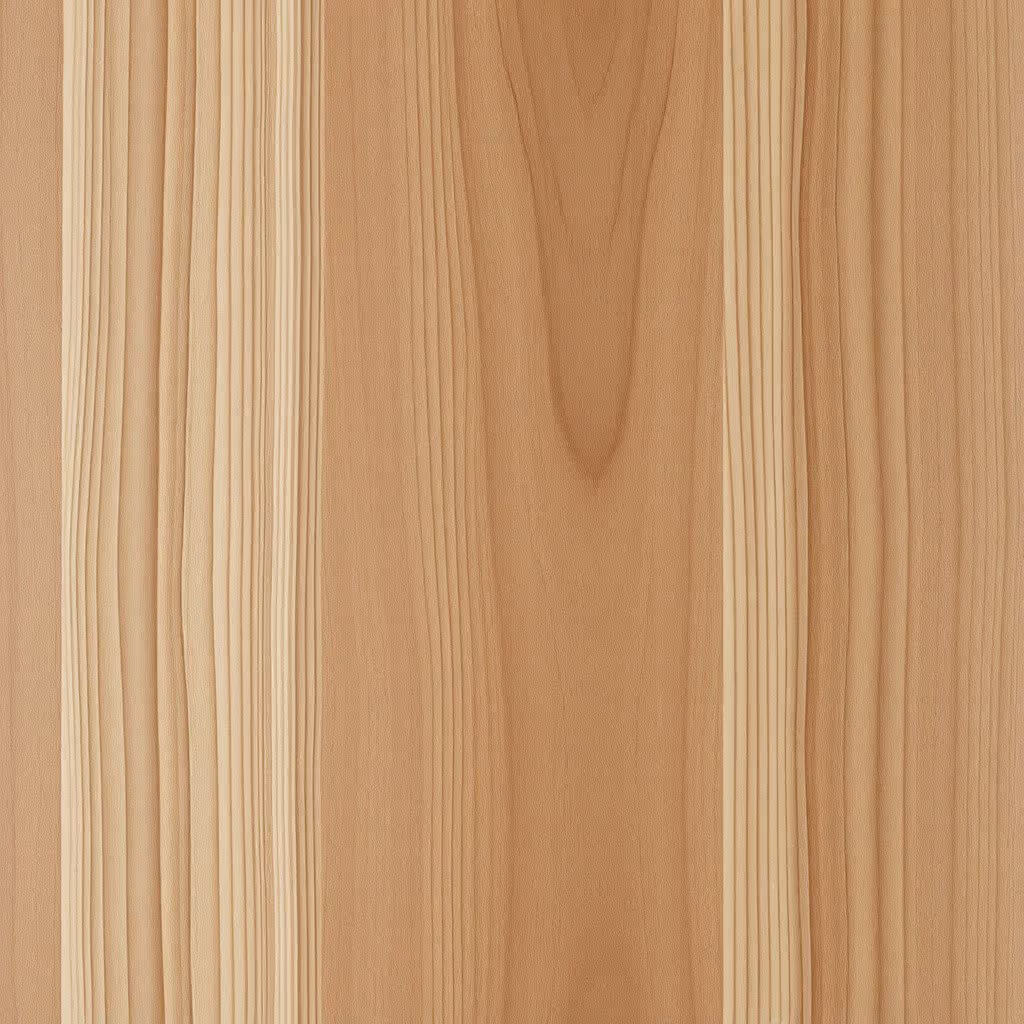
"maple wood texture, even lighting"
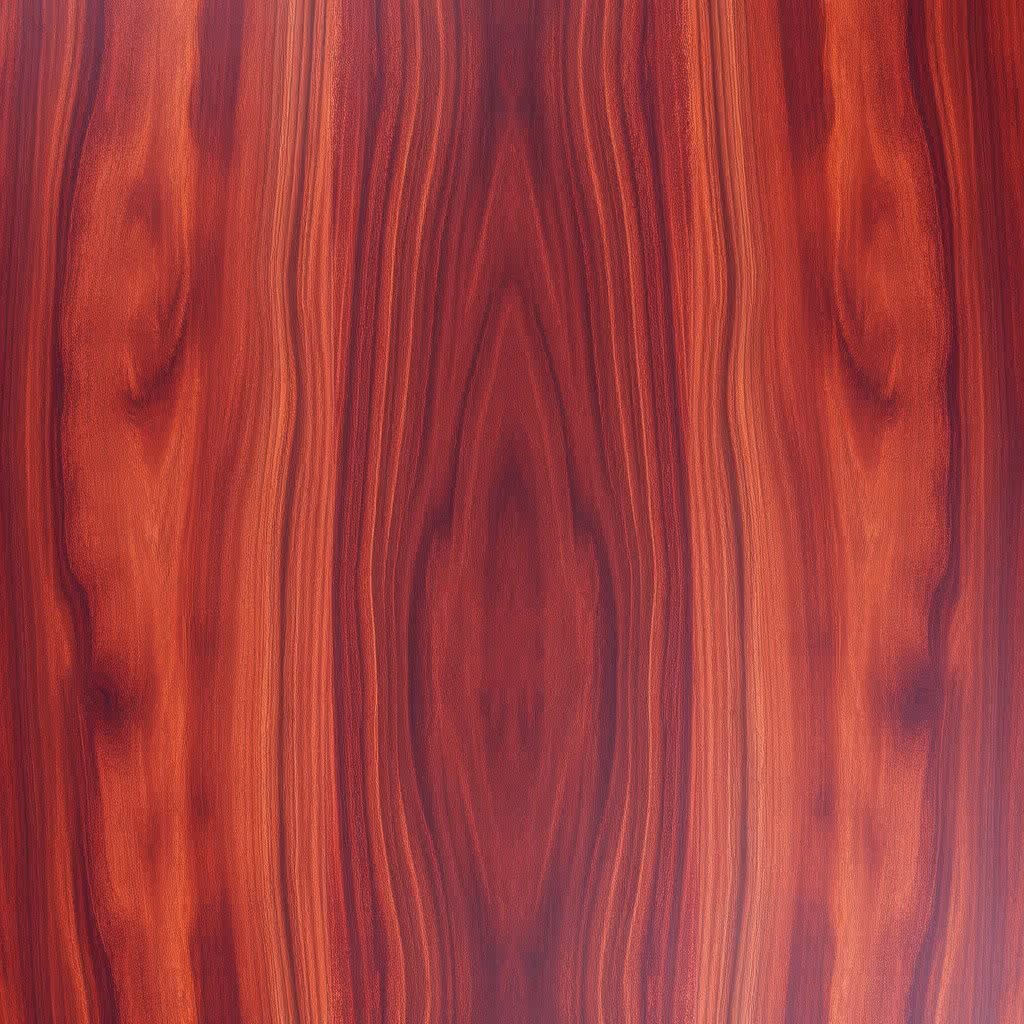
"brazilian rosewood wood texture, sharp details"
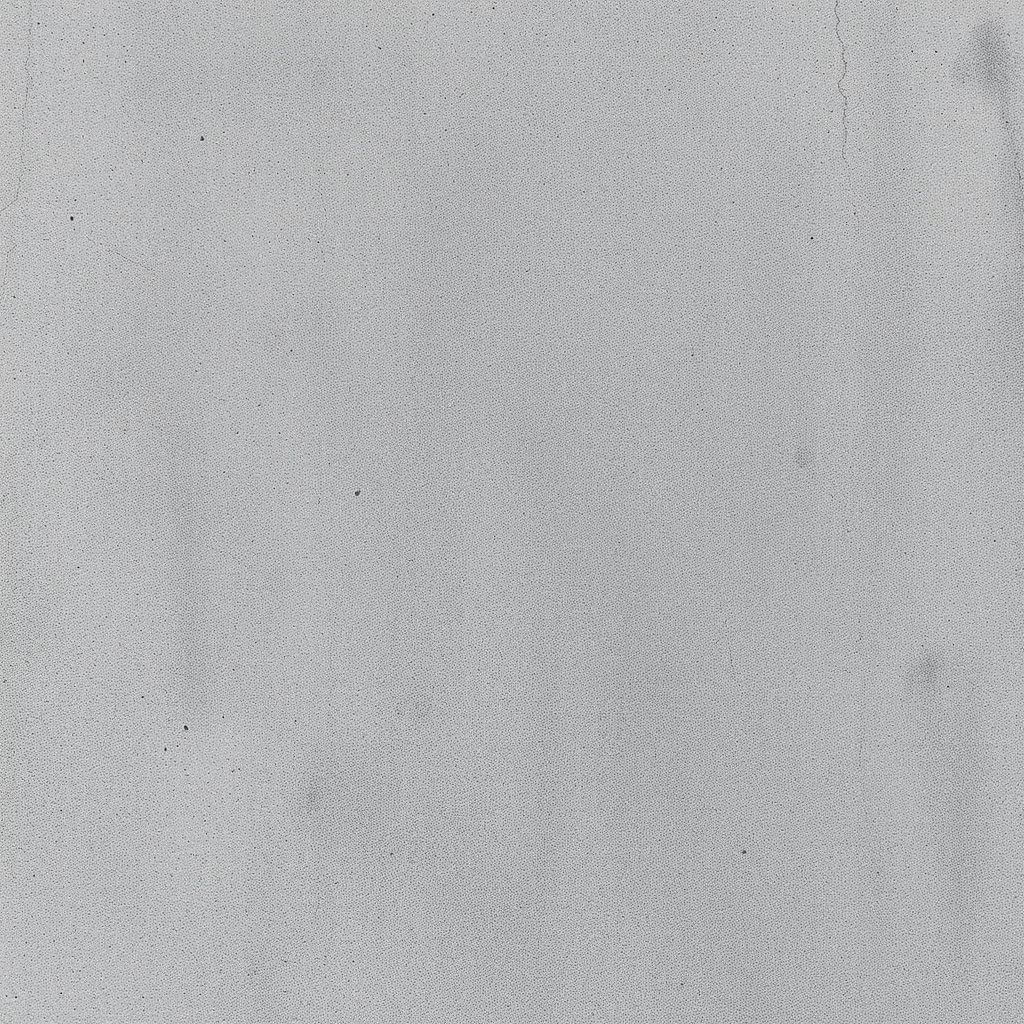
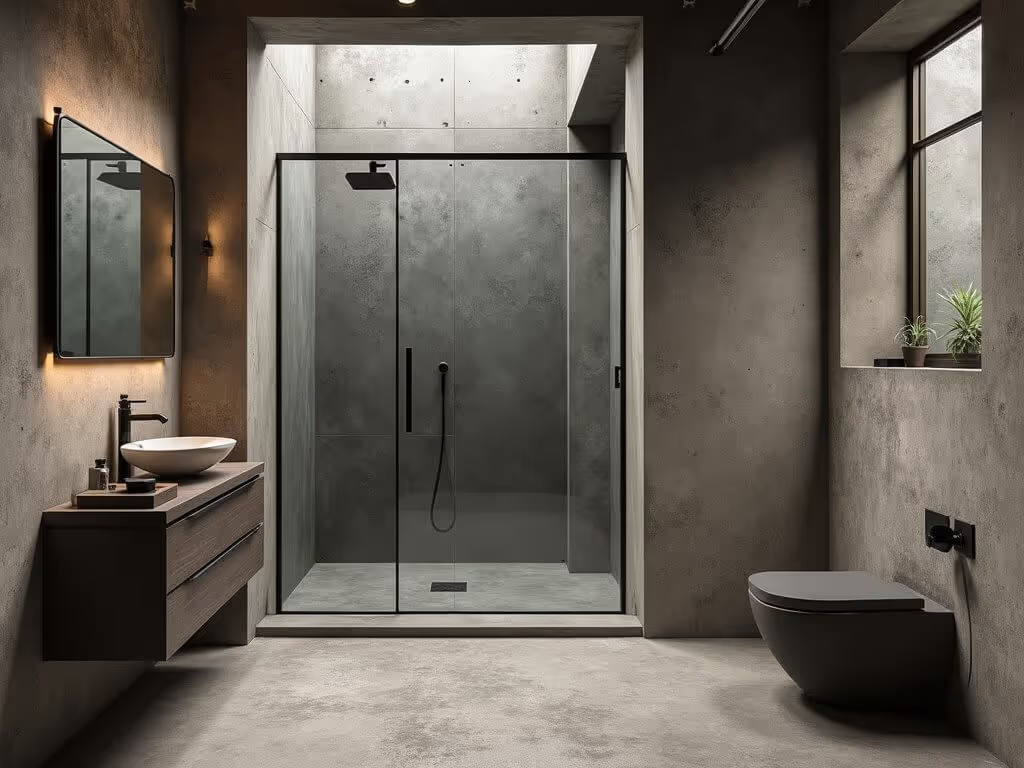
"texture of raw gray concrete, subtle surface variations, even lighting, sharp details"
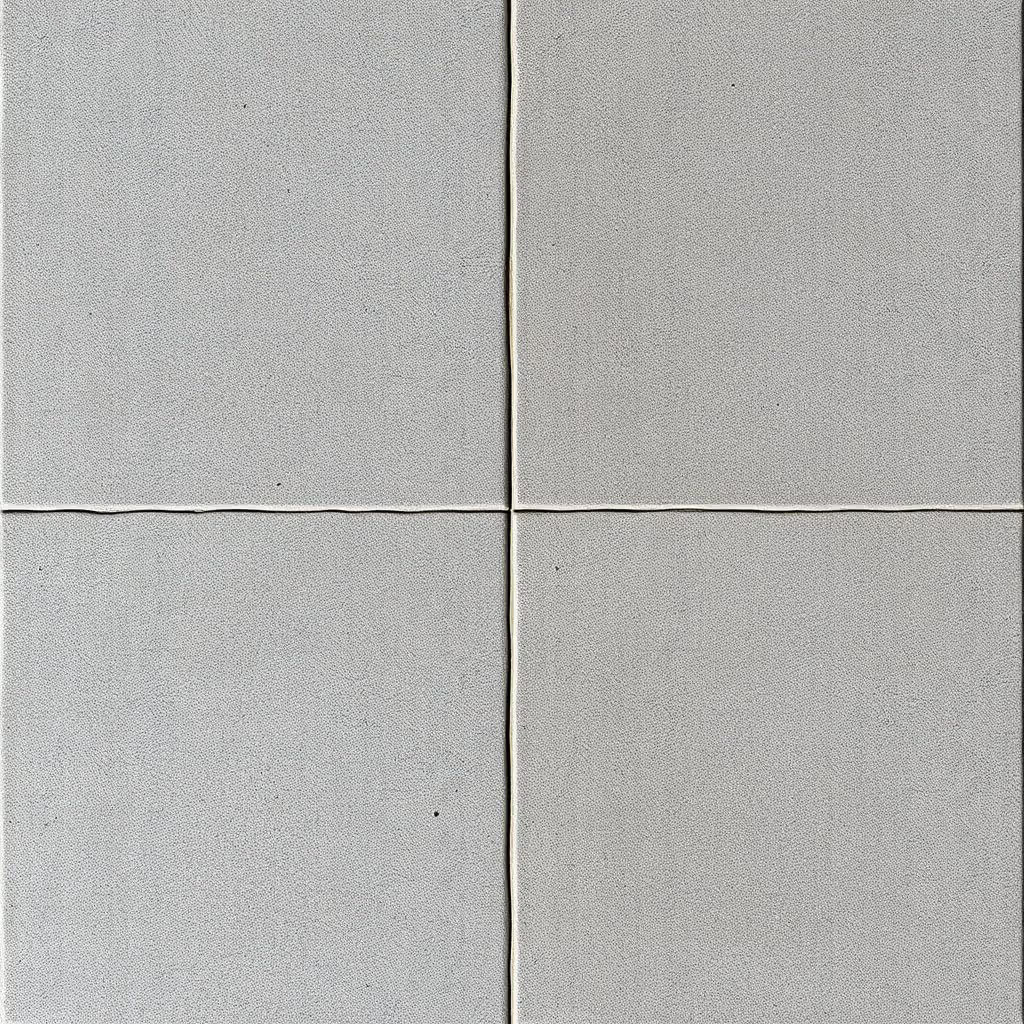
"stamped concrete texture"
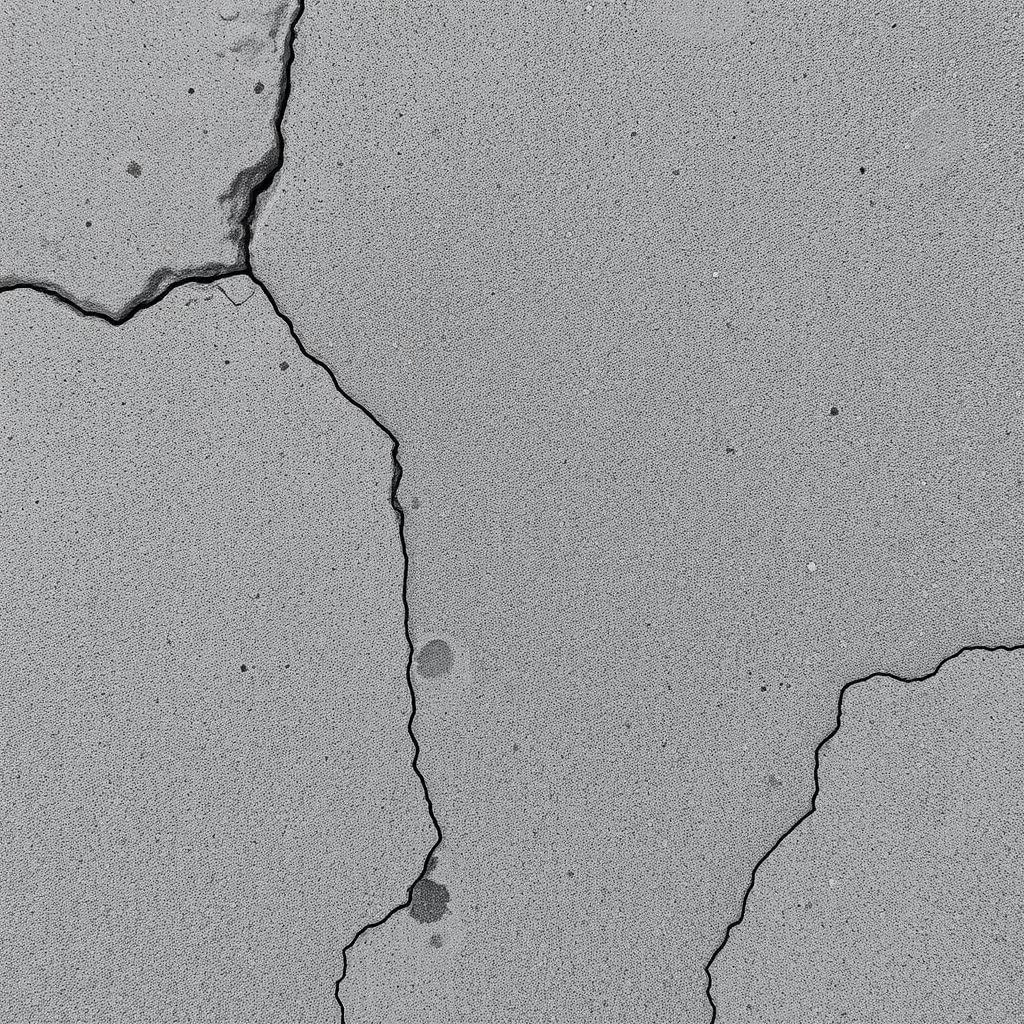
"cracked concrete texture"
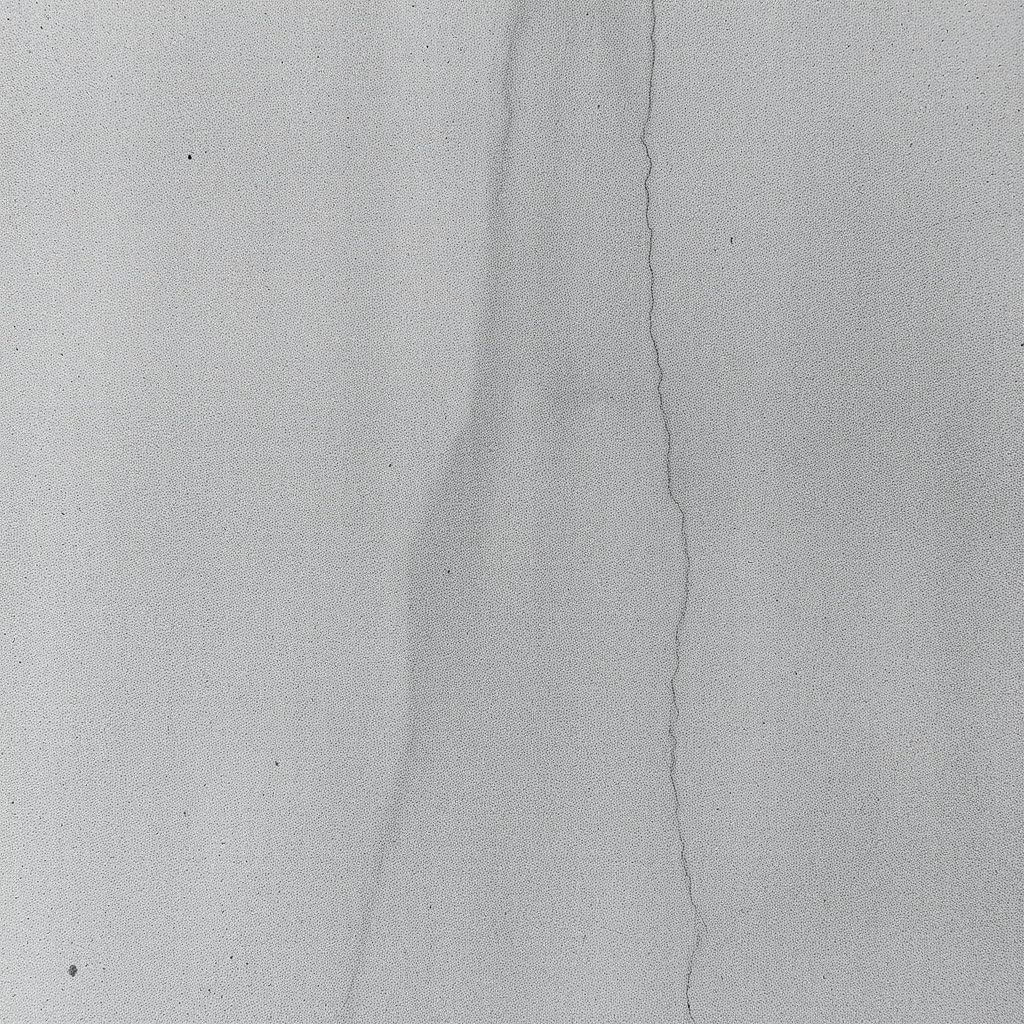
"texture of raw gray concrete, subtle surface variations, even lighting, sharp details"
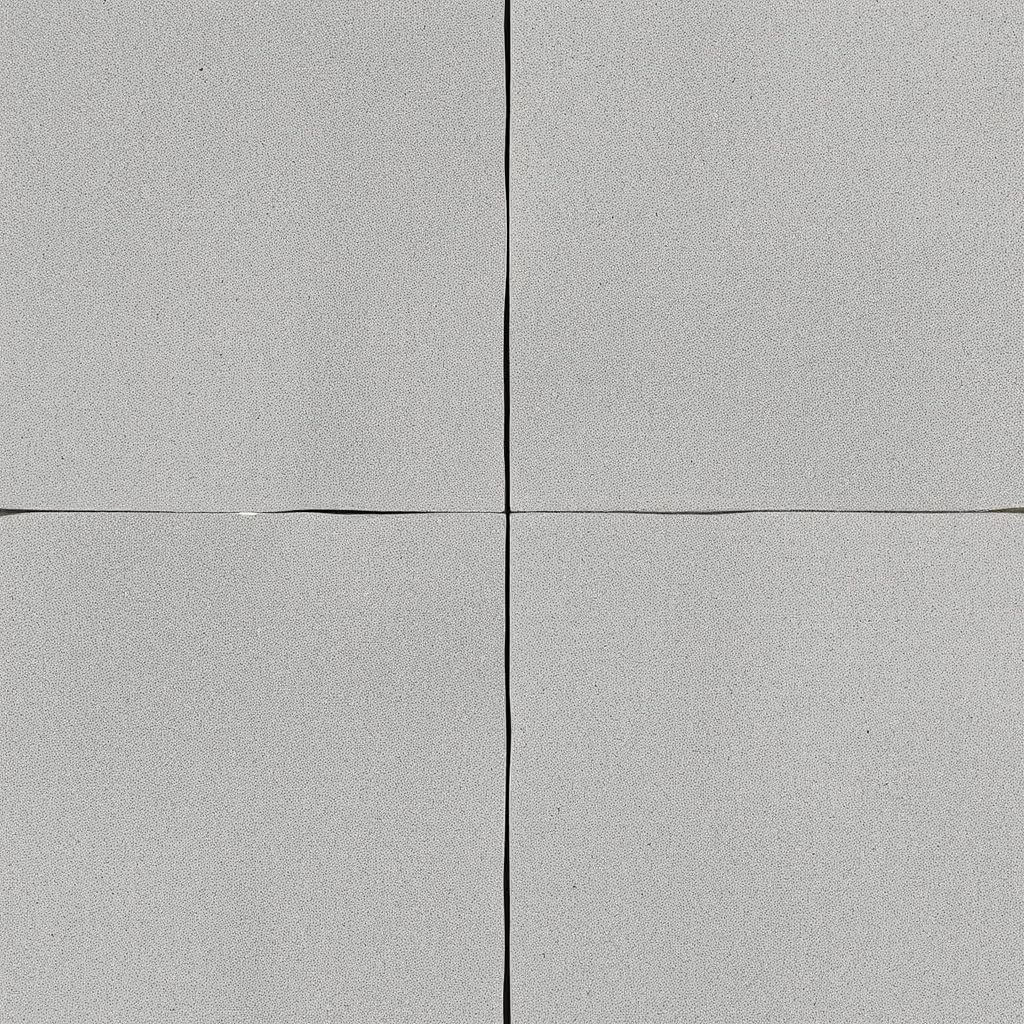
"stamped concrete texture"
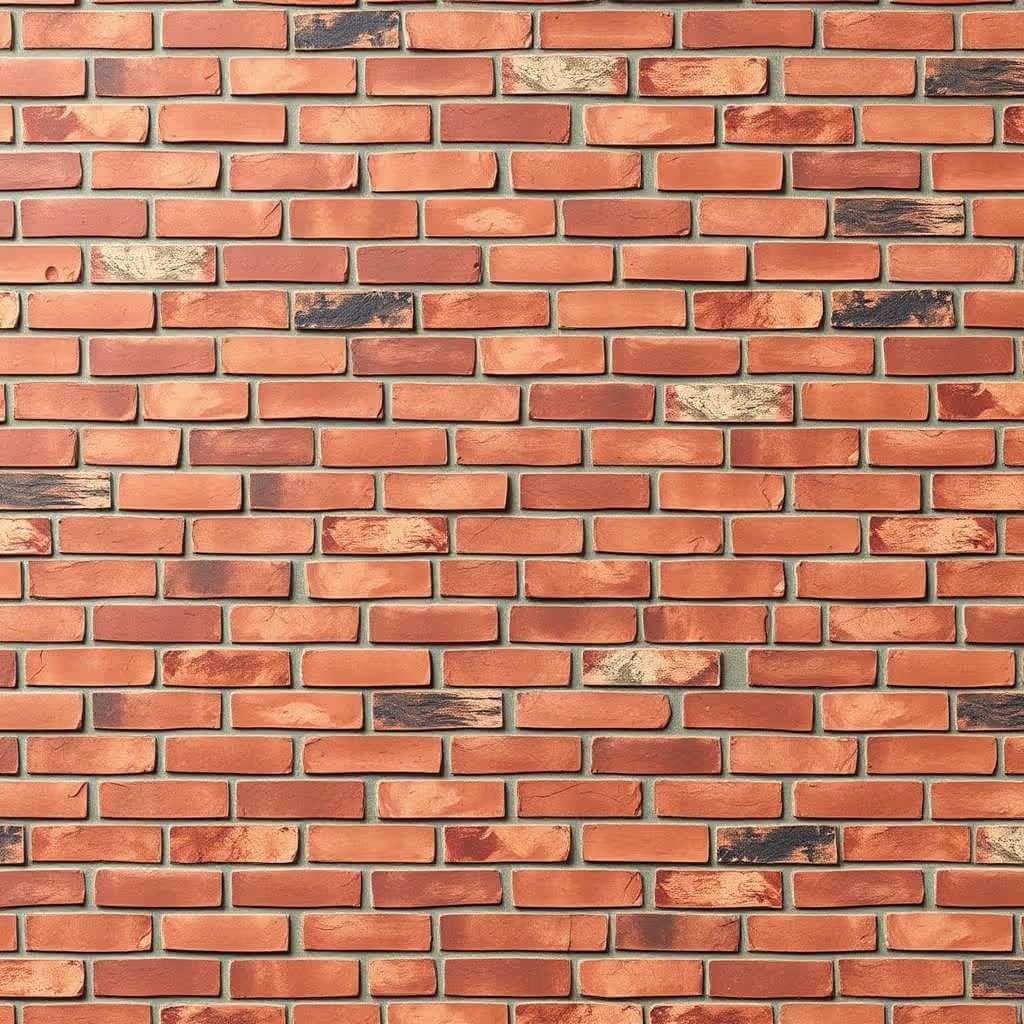
"burnt clay brick wall texture, even lighting, sharp details"
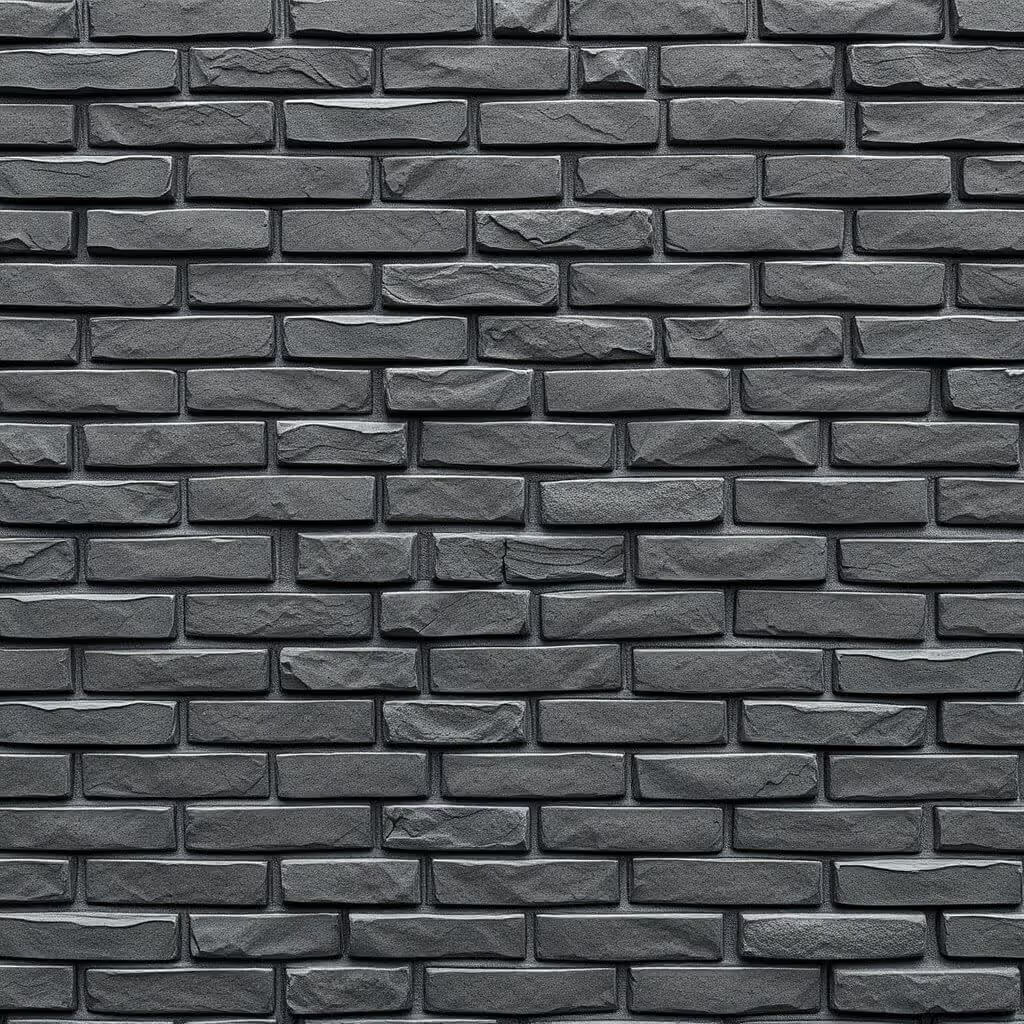
"obsidian brick wall texture, even lighting, sharp details"
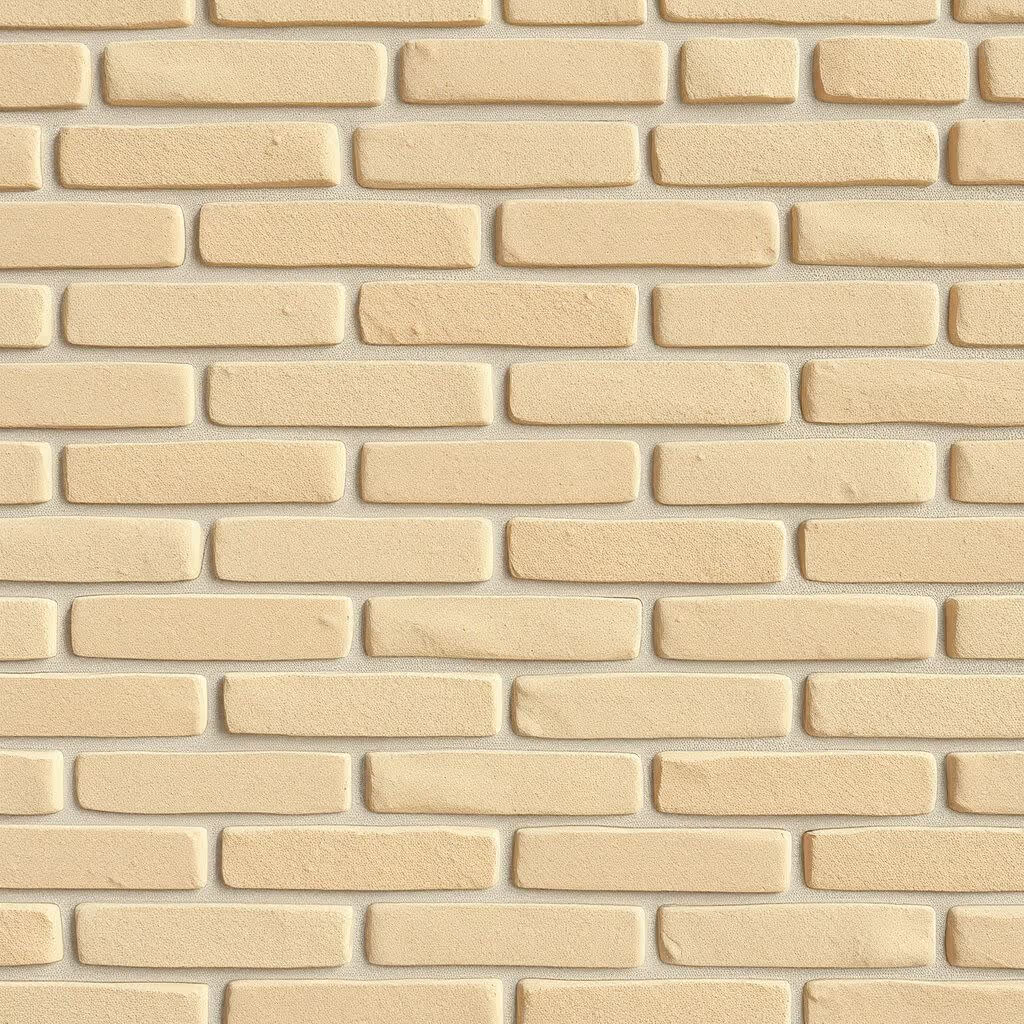
"sand lime brick wall texture, even lighting, sharp details"
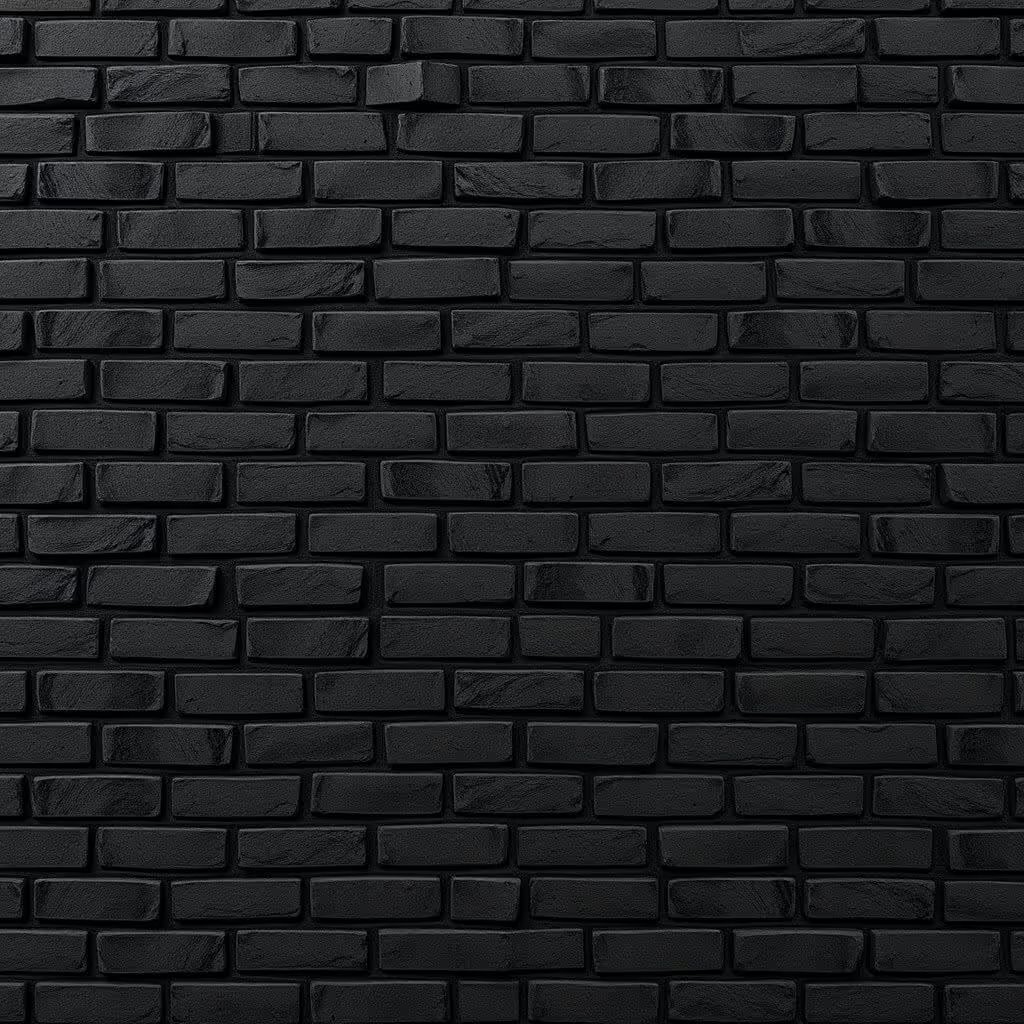
"black brick wall texture, even lighting, sharp details"
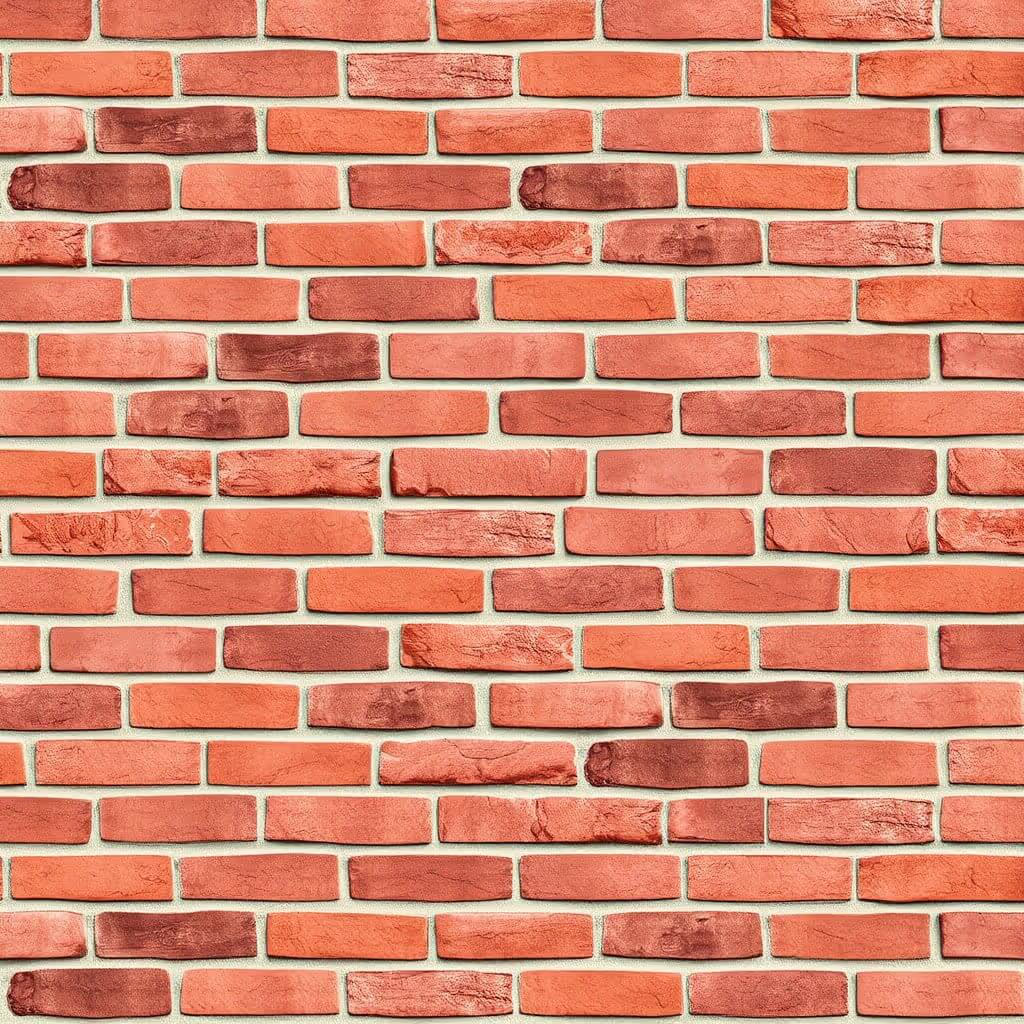
"burnt clay brick wall texture, even lighting, sharp details"

"creamy linen texture, sharp details"
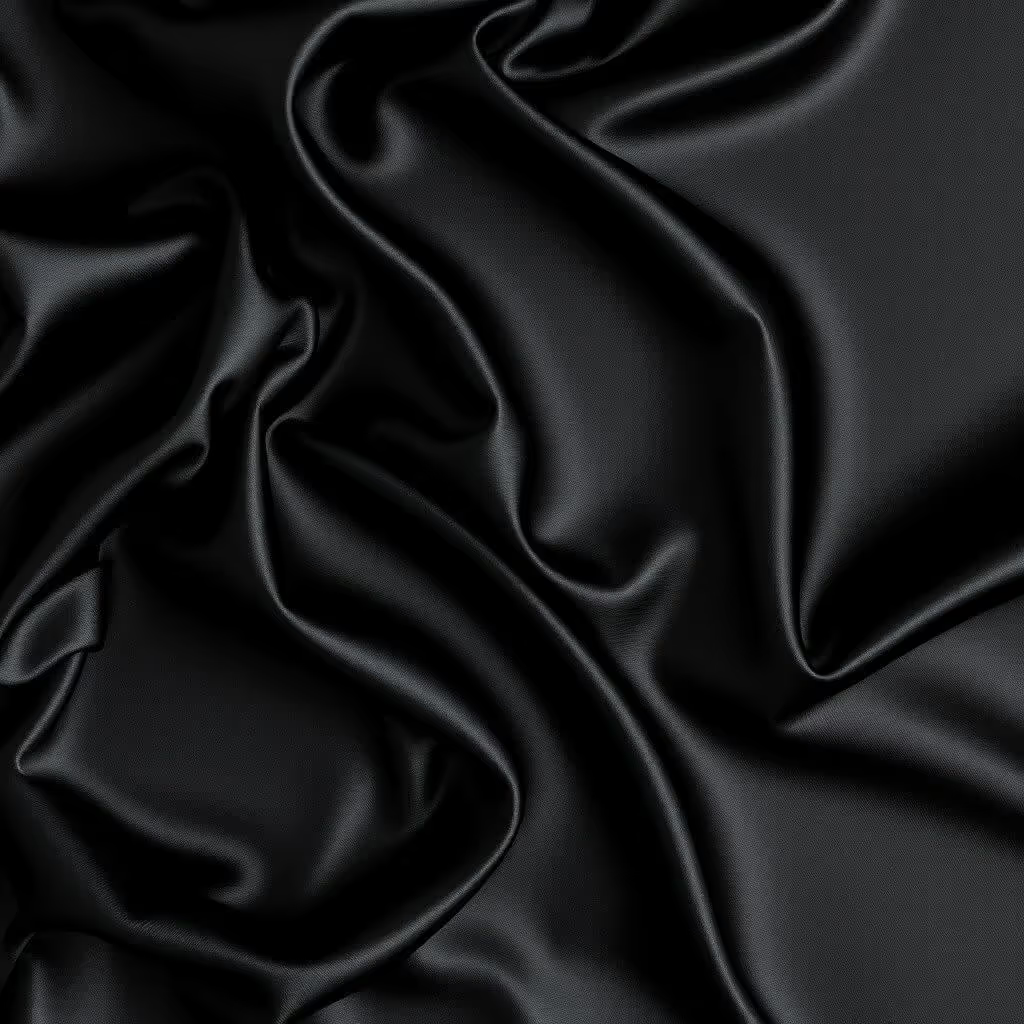
"glossy black silk texture, intricate details"

"plain black top-grain leather texture, intricate details"
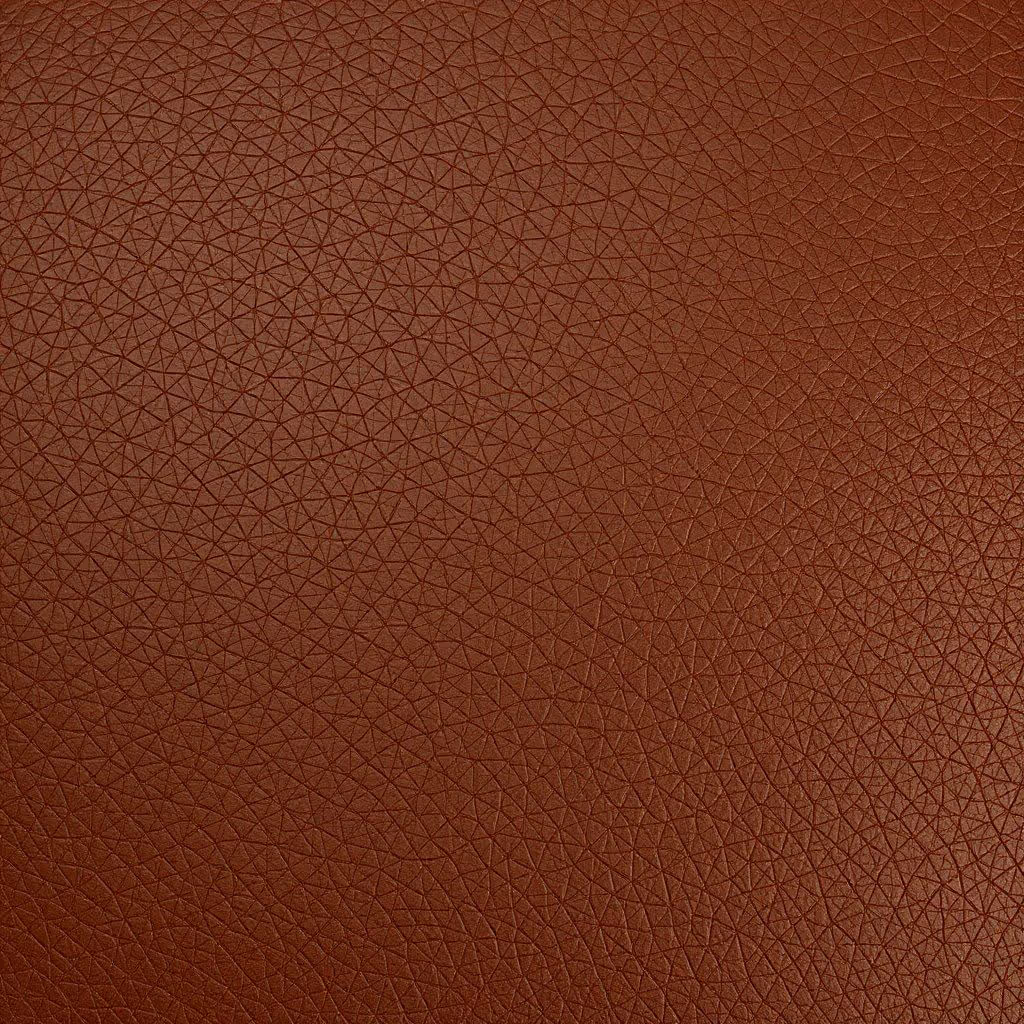
"full-grain leather texture, intricate details"

"red cotton texture"
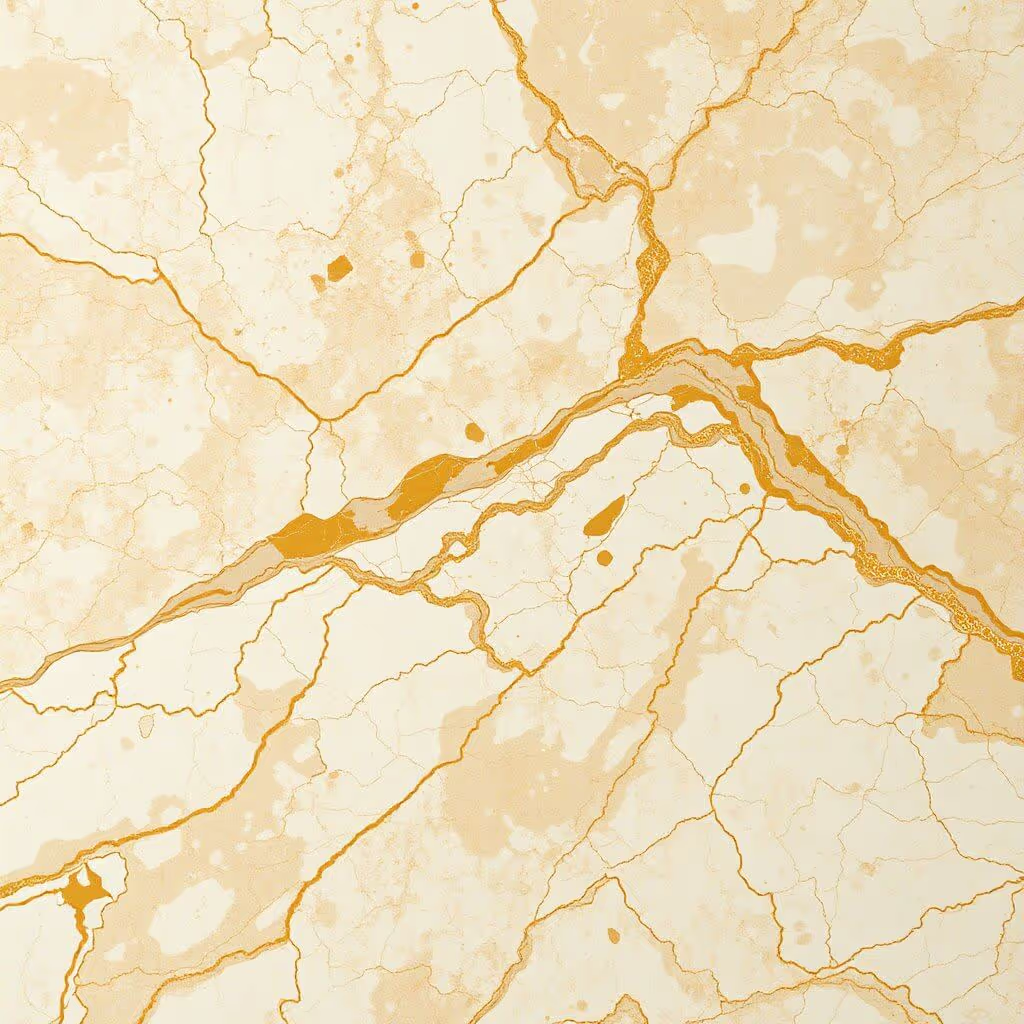
"calacatta gold stone texture, intricate details"
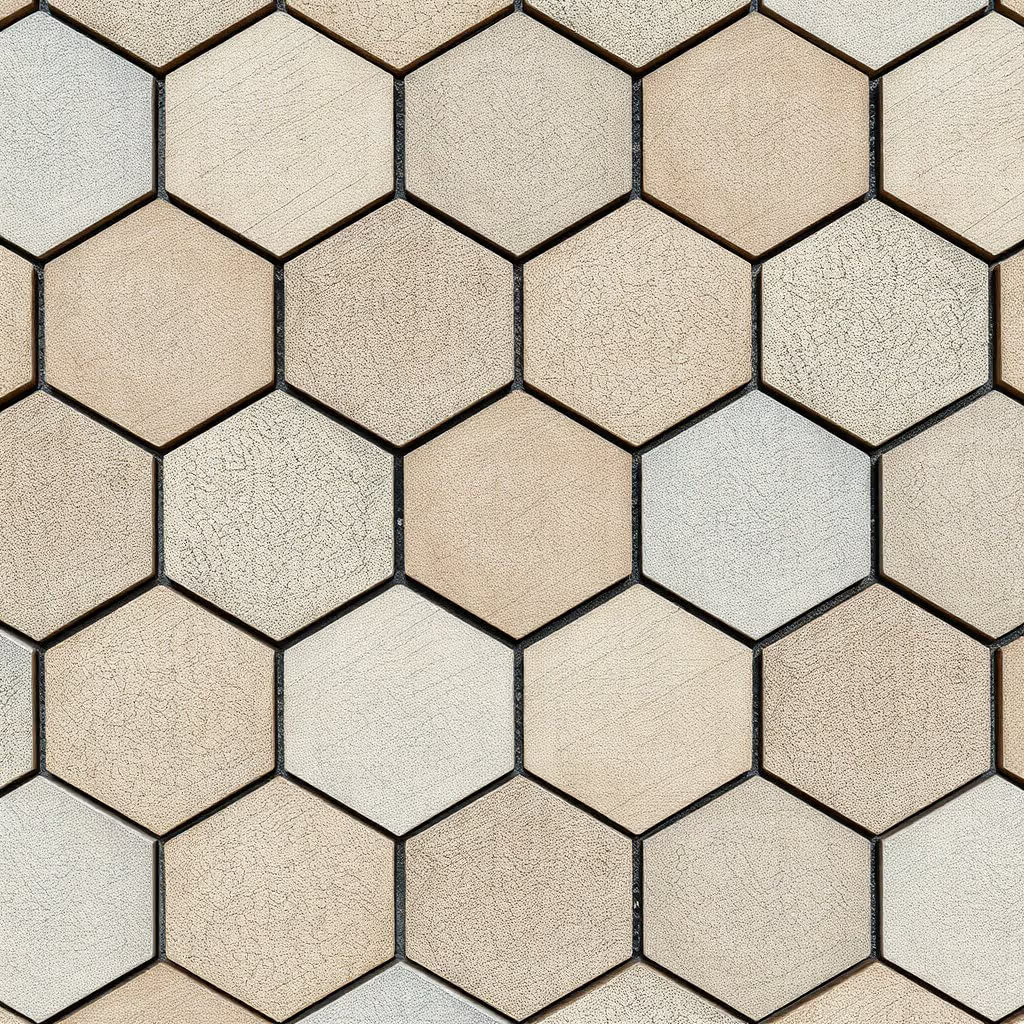
"limestone hexagonal tile texture"
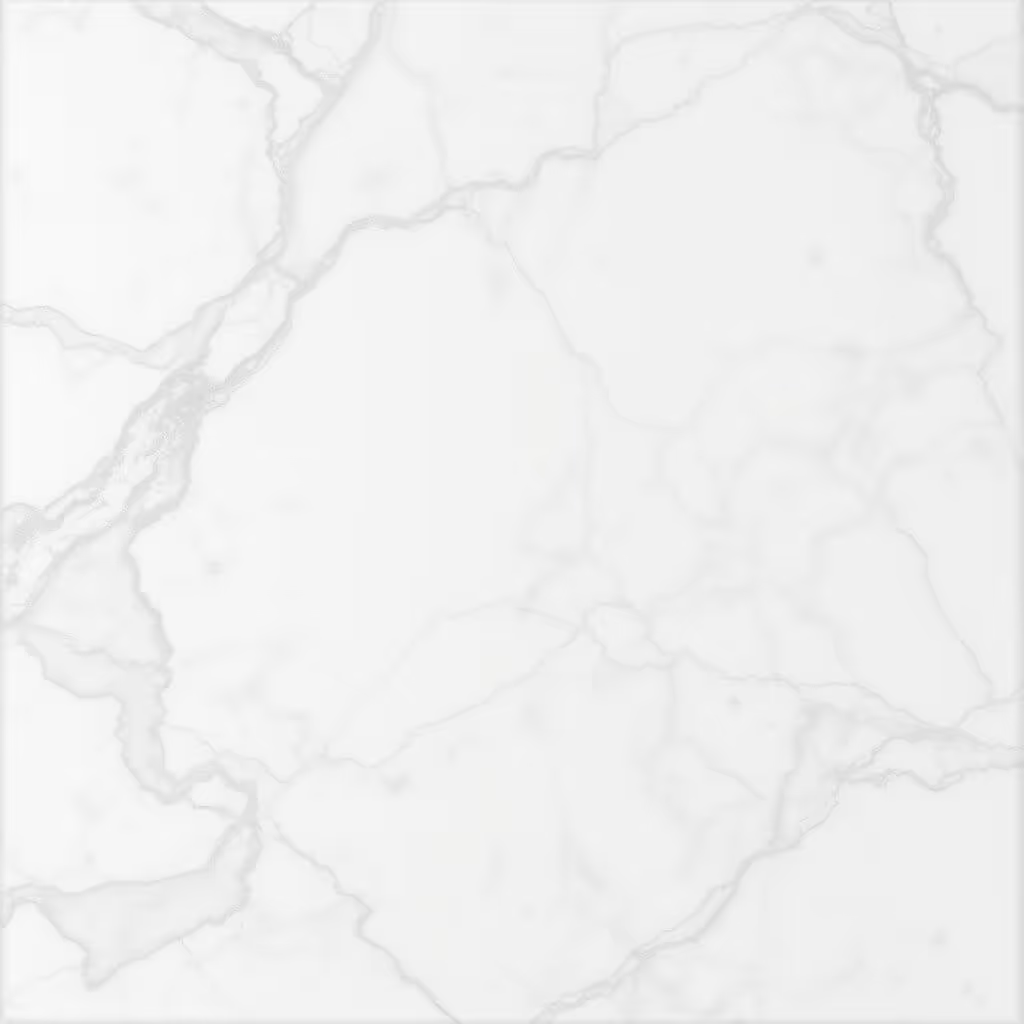
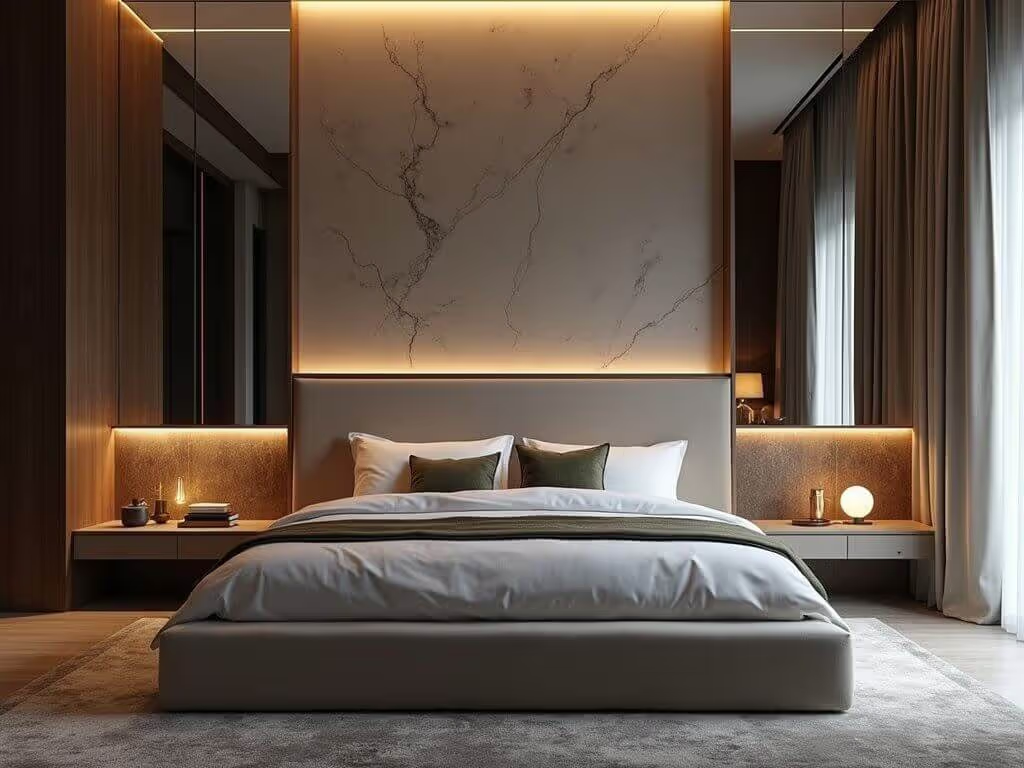
"white marble texture, intricate details"
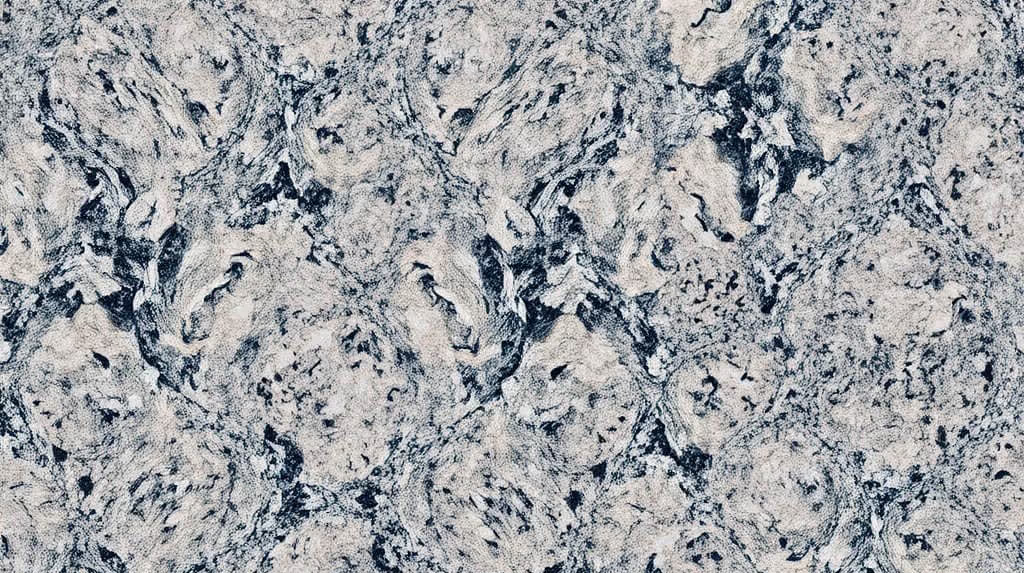
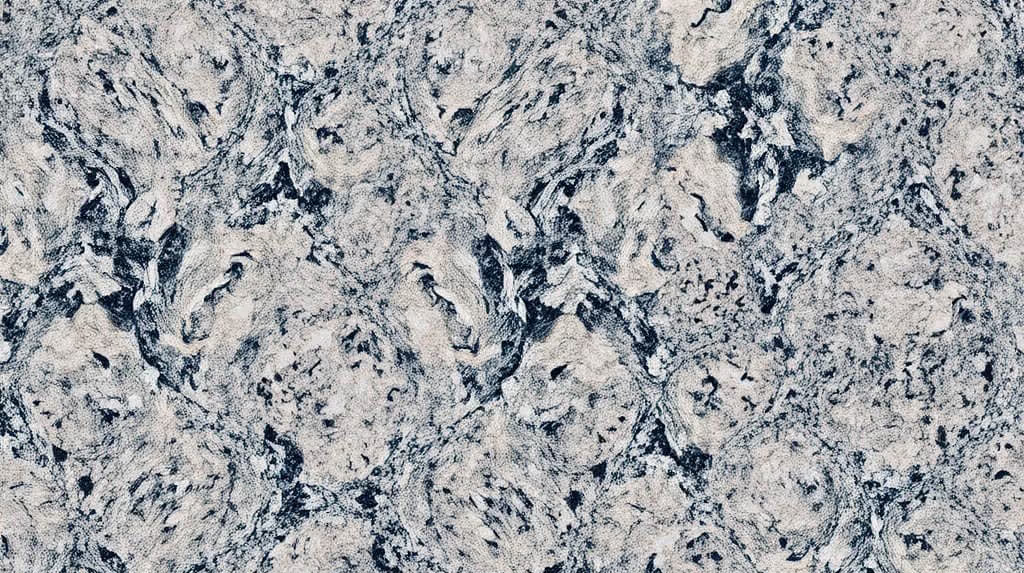
"granite herringbone texture, intricate details"
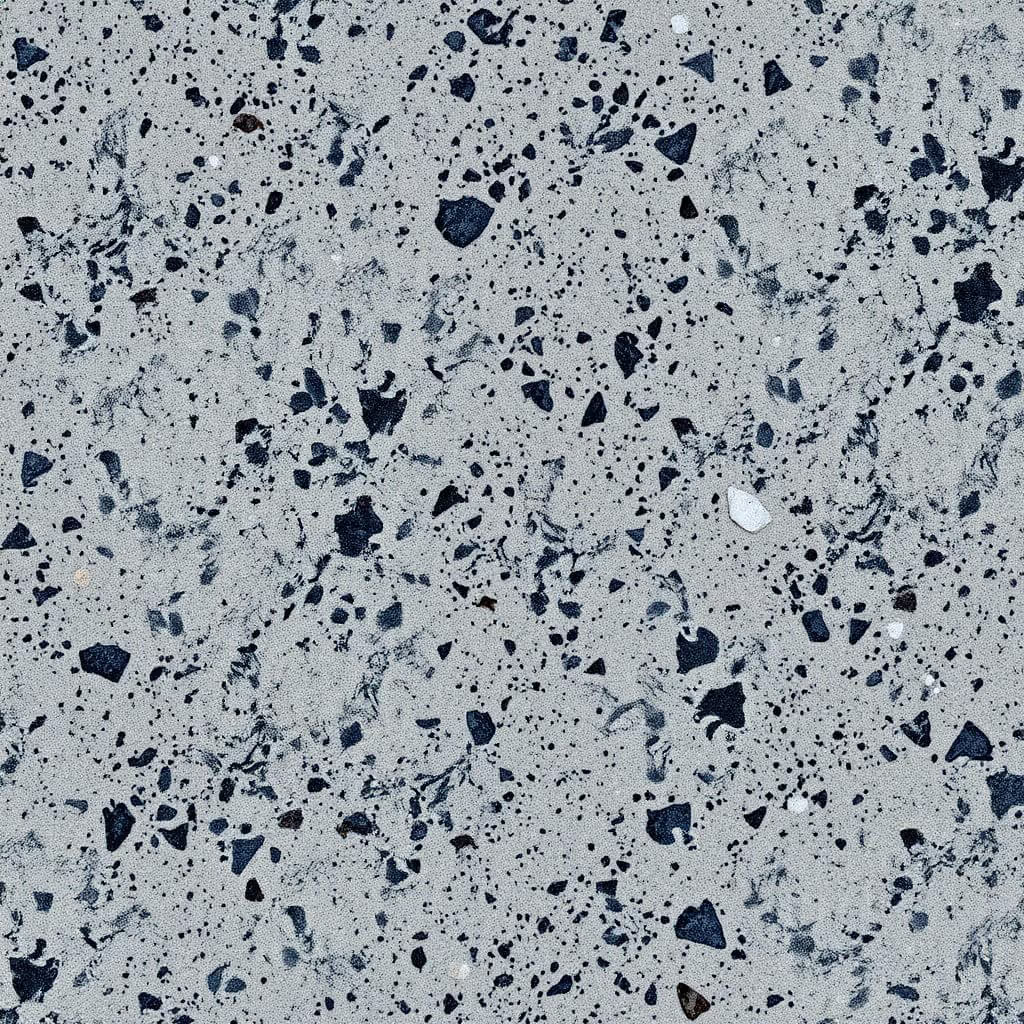
"matte granite texture, intricate details"
How to use the AI texture generator
- Describe the texture you want the AI to generate.
- Click the "Generate" button.
- Download the result if you like it or generate it to get a new variation (even without changing your description).
Then, you can apply the AI-generated texture to your design when rendering it with MyArchitectAI.
Prompting best practices
While you can generate beautiful textures even with short and simple prompts, adding more details gives you more control over the output and opens a whole new world of possibilities.
Here are some high-level guidelines on how to write an effective prompt to achieve above-average results with our AI texture maker:
- Describe what you want to see instead of what you don't want to see in the output.
- Specify the pattern, complexity, color, scale, and any other relevant aspects of your desired texture.
- Test different variations of your prompts and compare results.
Integrate MyArchitectAI's AI texture generator into your app
Give users lightning-fast texture generation and rendering experience without the complexity or wait times with a single API call. Integrate in under an hour.