Nano Banana Image Upscaler
How to upscale Nano Banana images
01
Upload your image
02
Pick the upscale factor
03
Download the result
Why upscale Nano Banana images?
Nano Banana is the nickname for Google’s Gemini image models: Gemini 2.5 Flash Image (“Nano Banana”) and Gemini 3 Pro Image (“Nano Banana Pro”). The images look great, but standard outputs from Gemini’s free tier top out around 1024–1200px on the long edge. That’s fine for a social post or a slide thumbnail. It’s not enough for a client presentation printed at A2, and nowhere near enough for a portfolio book.
Nano Banana Pro can generate at 2K or 4K natively, but only on paid Gemini plans. If you work with standard Nano Banana outputs, or generated images before upgrading, those files sit near 1K. An upscaler rebuilds the detail that never got captured at generation time instead of stretching the pixels you have.
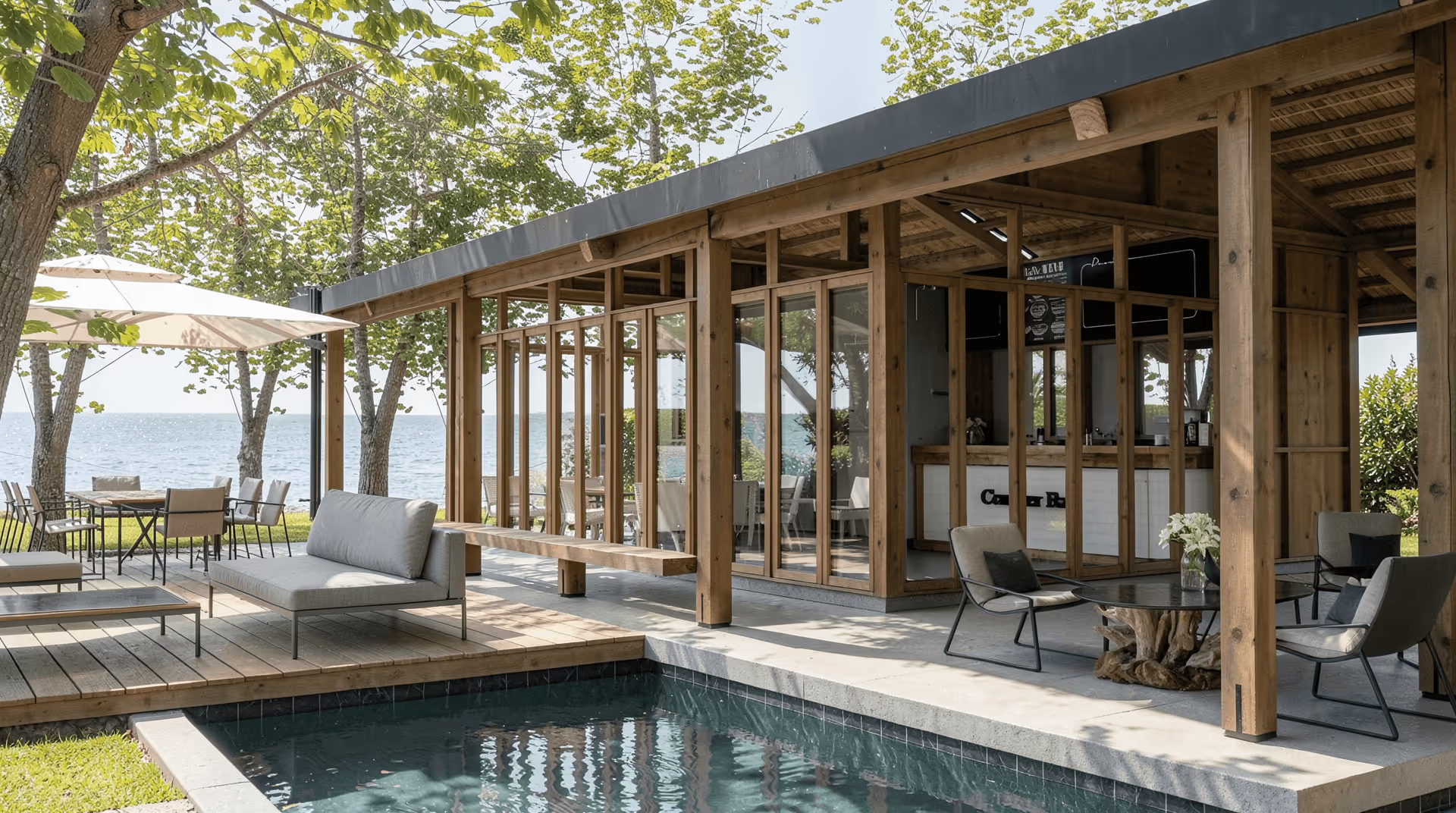
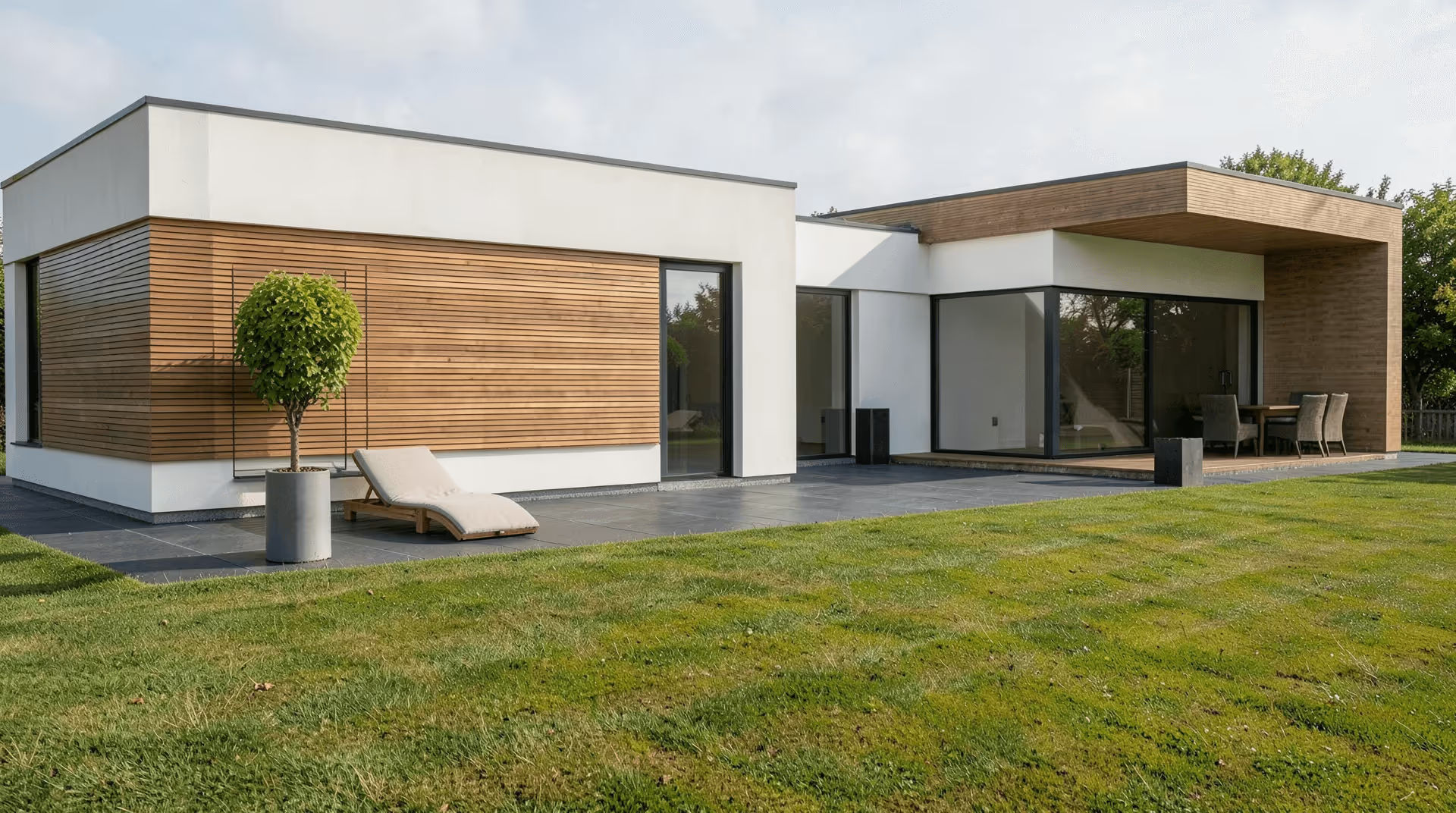
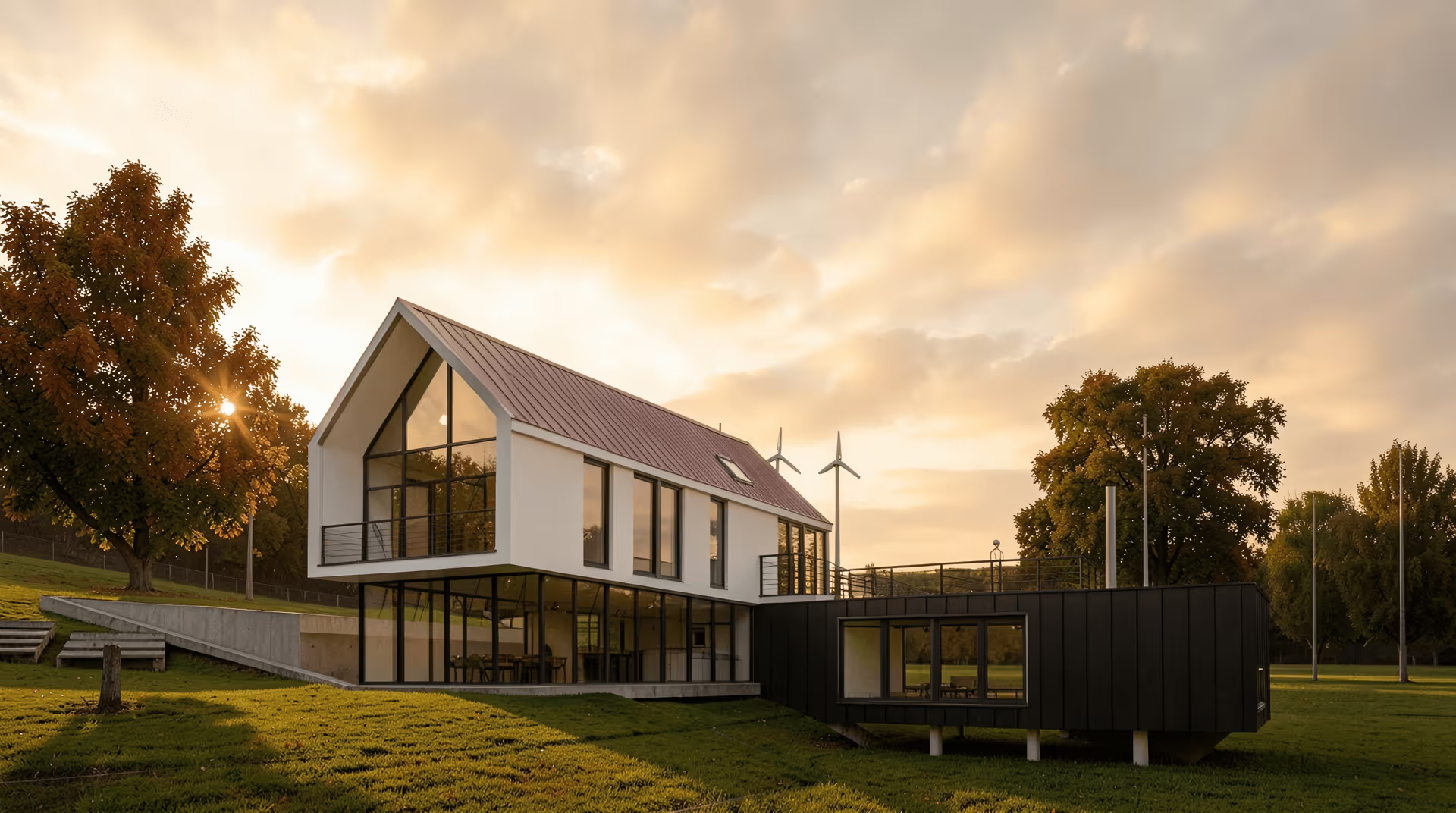
Renders are a special case. Hard edges and glazing reflections are exactly what smears at low resolution, and simple bicubic interpolation can’t bring them back.
What the AI upscaler does
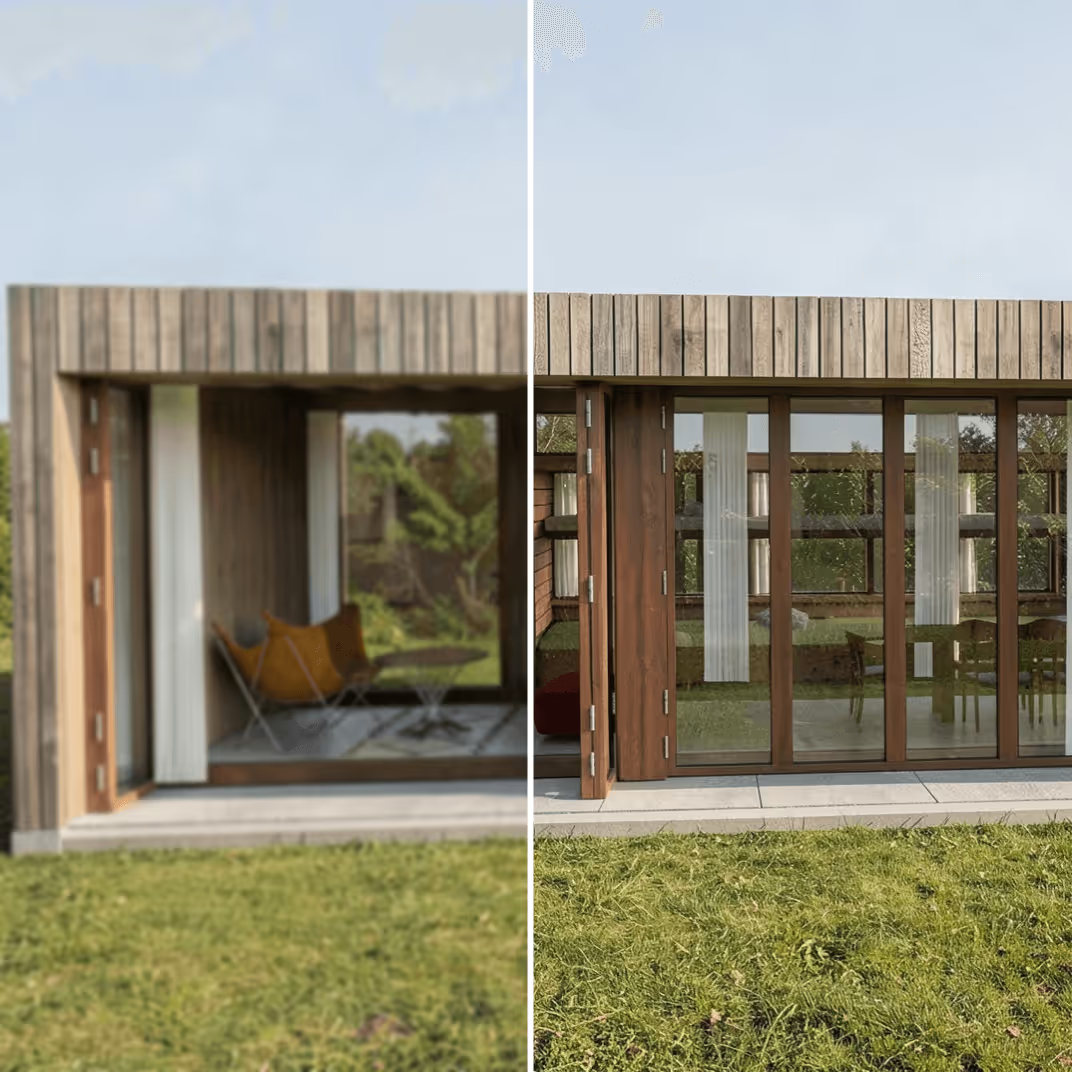
Adds detail instead of stretching pixels
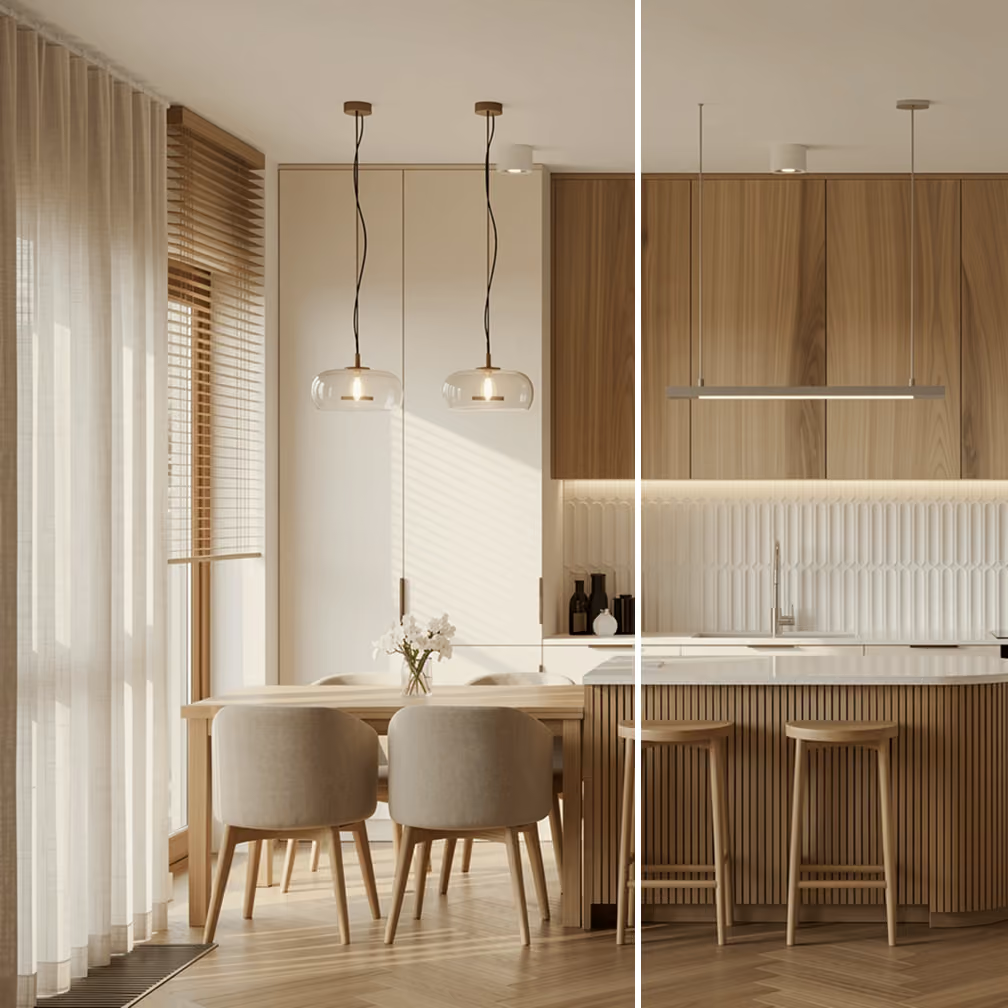
Generates a style-faithful output
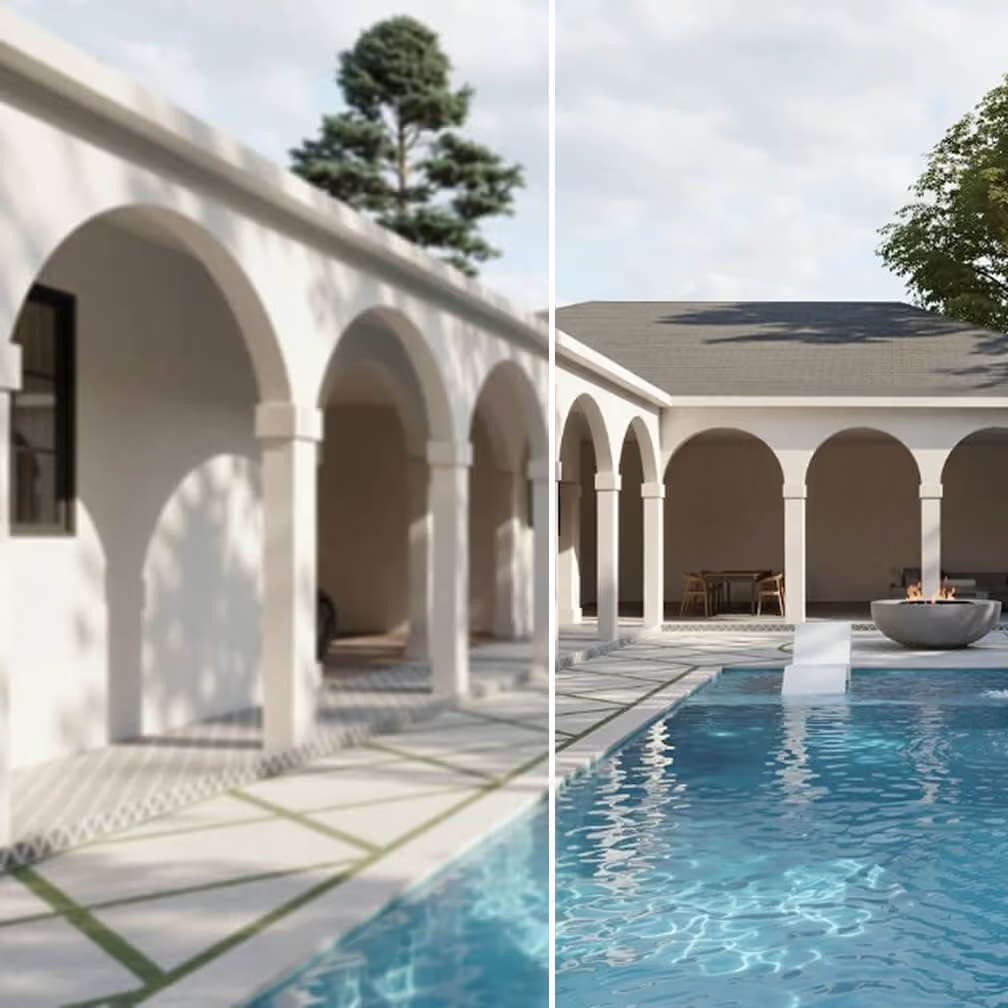
Optimized for architecture and interior design
What people use it for
Most Nano Banana users who end up here fall into one of these situations.
Client presentations and pitch decks
Print portfolios and brochures
Real estate listings
Competition boards
Social media and editorial
Pre-press and signage
Integrate MyArchitectAI's upscaler into your app
Give users lightning-fast upscaling experience without the complexity or wait times with a single API call. Plus, get access to other archviz tools like rendering, editing, and more.