Qwen Image Upscaler
Upscale Qwen Image Edit outputs to 4K in under 15 seconds. Also available in API .
How to upscale Qwen Image outputs
01
Upload your image
02
Pick the upscale factor
03
Download the result
Why upscale Qwen outputs?
Qwen Image is the open-source image model family from Alibaba’s Qwen team: the base generation model, the hugely popular Qwen Image Edit line, and a few specialist variants. Generation lands around 1.3–1.7MP depending on aspect ratio. The newer Qwen Image 2.0 reaches 2K natively, but only through paid APIs. None of them upscale.
Editing is where the resolution problem really bites. The standard Qwen Image Edit pipeline resizes everything to about 1MP on the way out, no matter what you feed it; put a 12MP photo in and roughly 1000×1000 pixels come back. Self-hosters patch around it with custom nodes and LoRAs. If you’d rather not maintain a workflow, MyArchitectAI's upscaler is the other route: run your edit, upload the result, and take it to 4K with 2x or 4x.
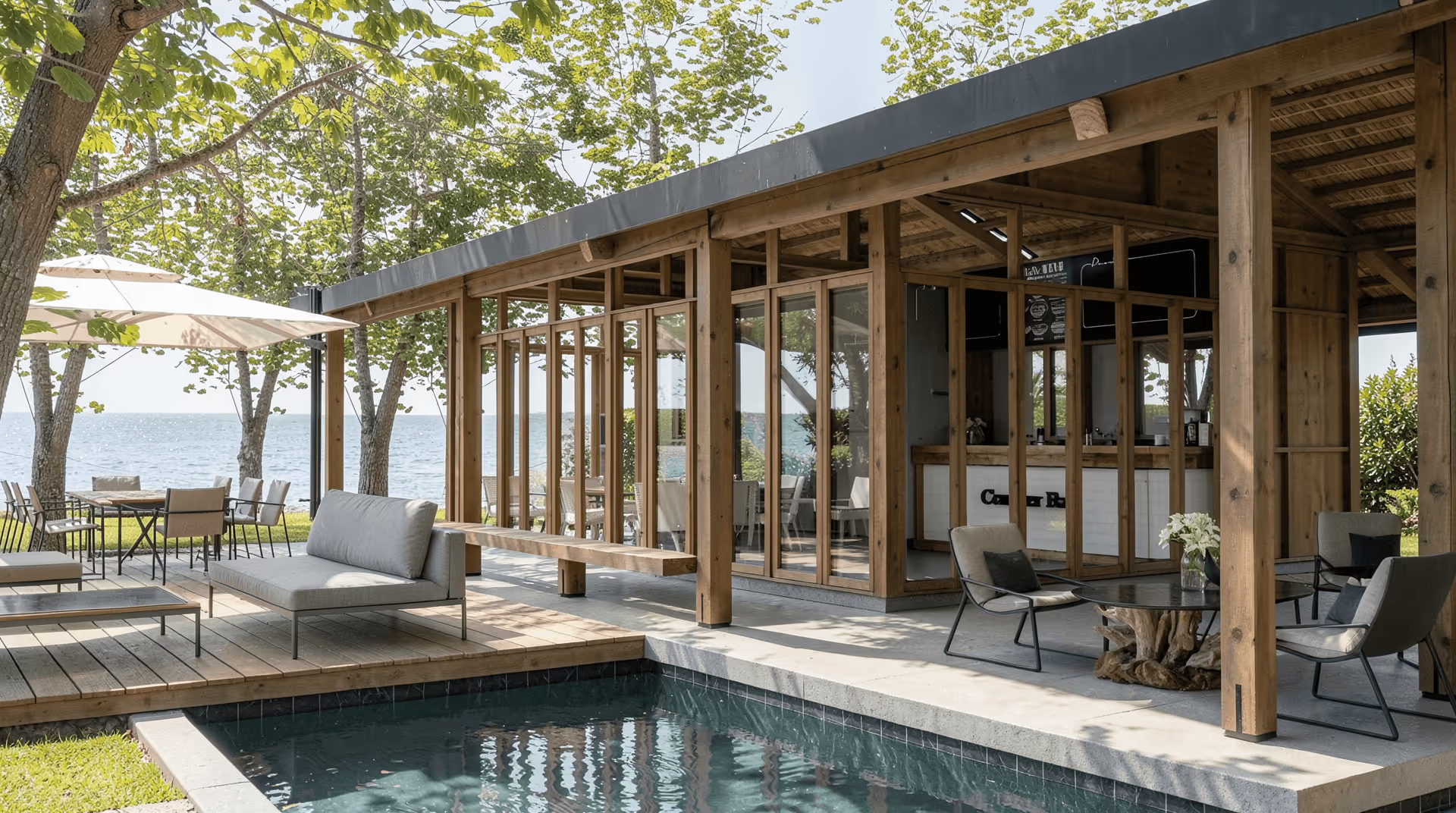
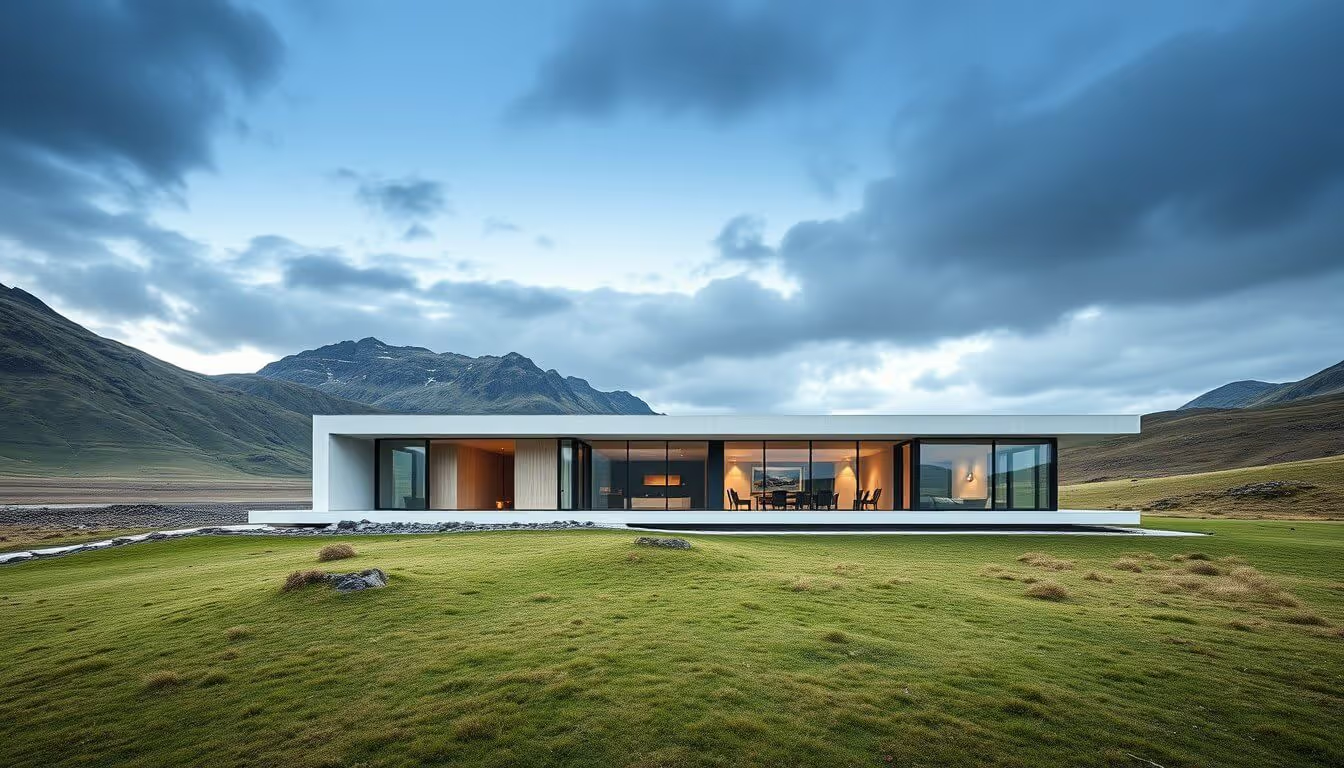
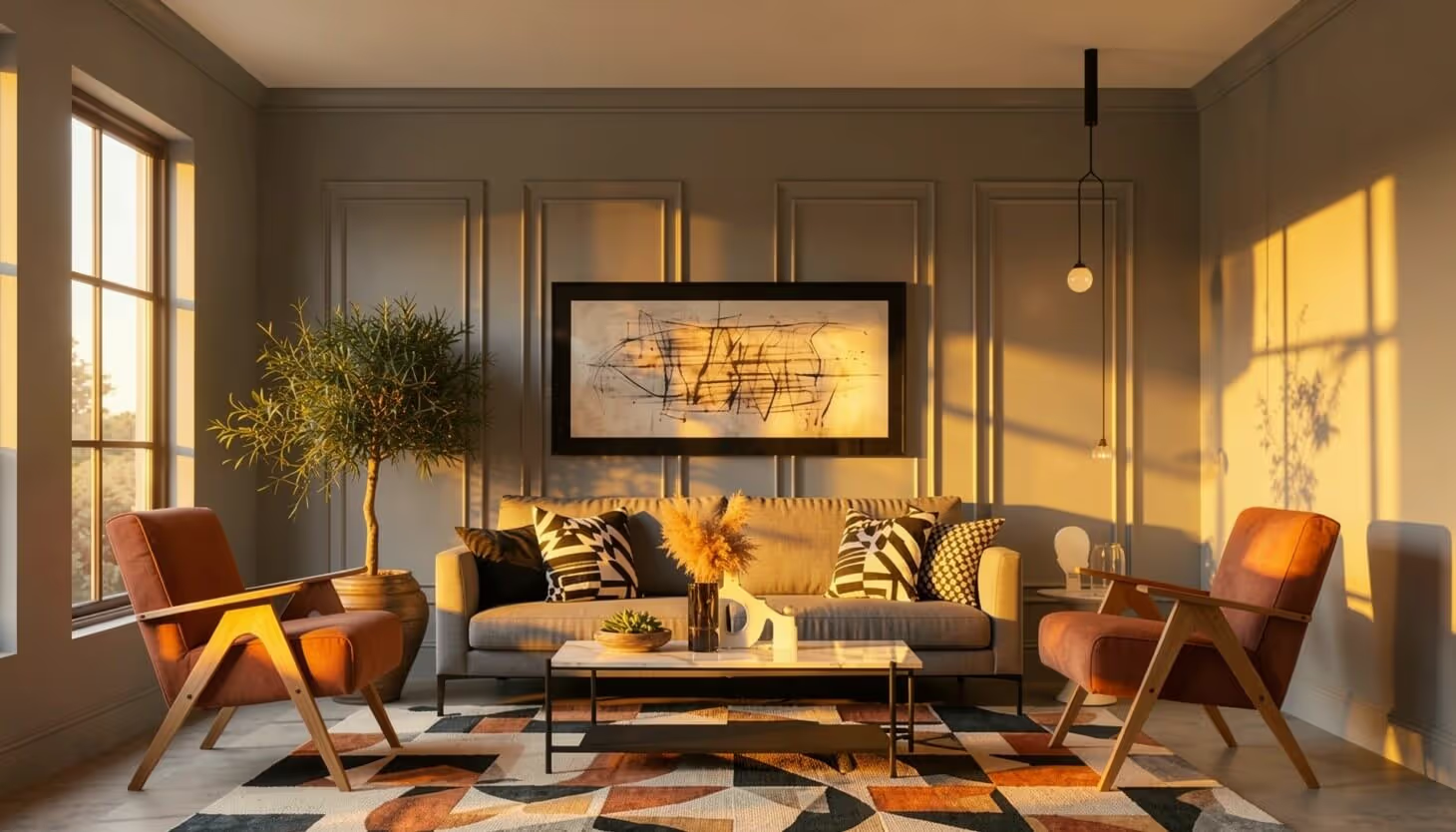
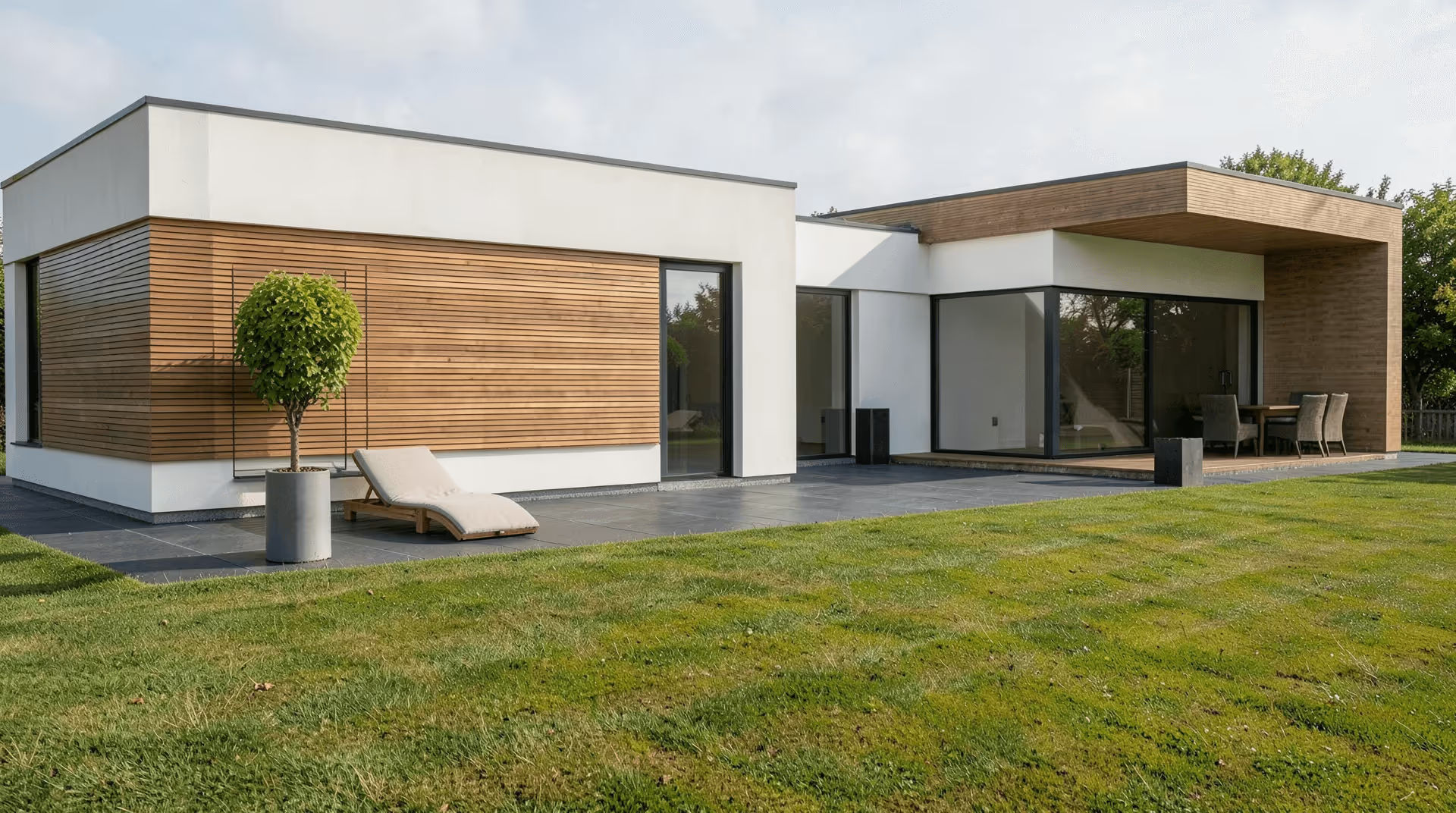
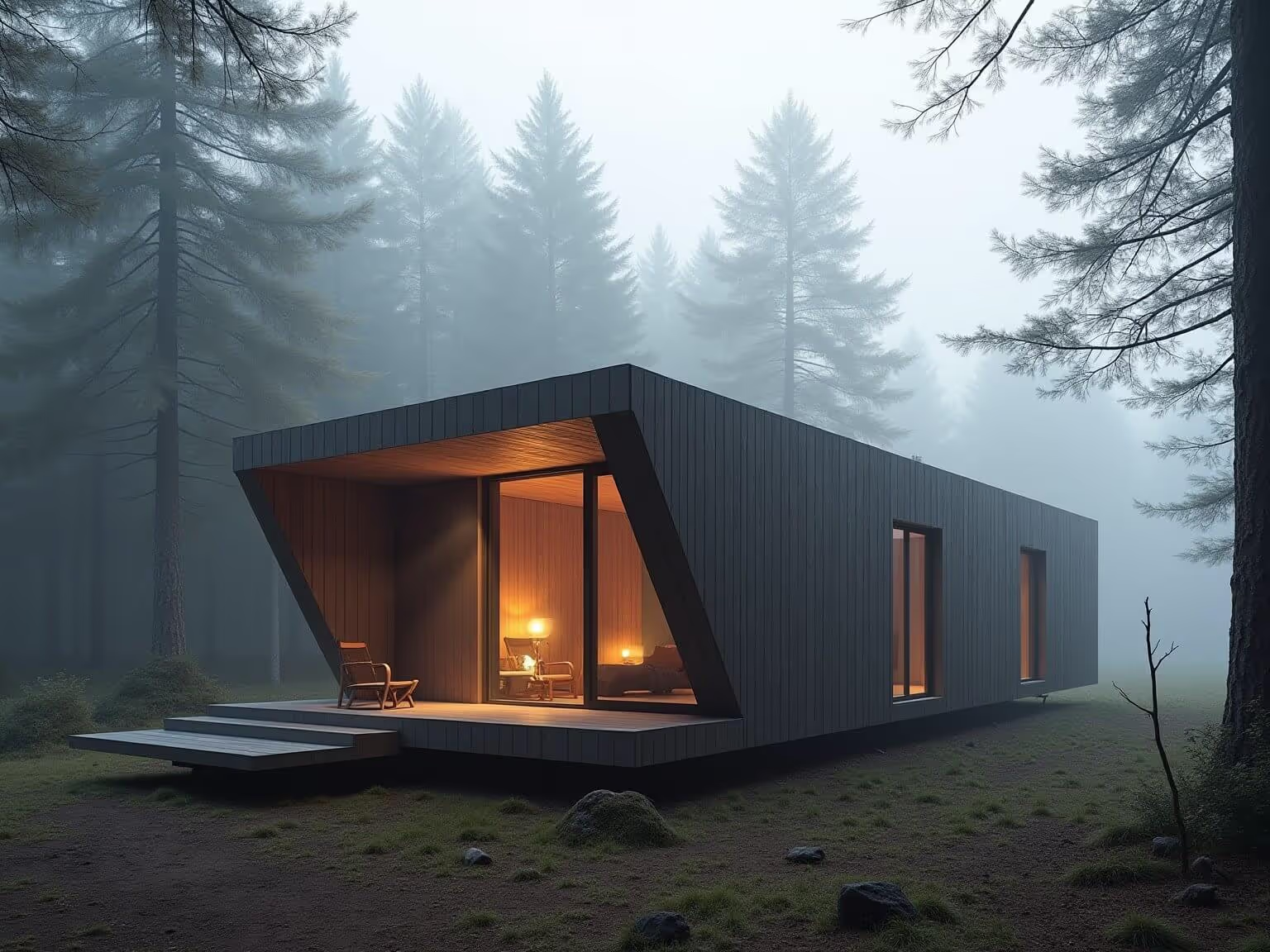
Renders and concept art are a special case. Hard edges and glazing reflections are exactly what smears at low resolution, and simple bicubic interpolation can’t bring them back.
What the AI upscaler does
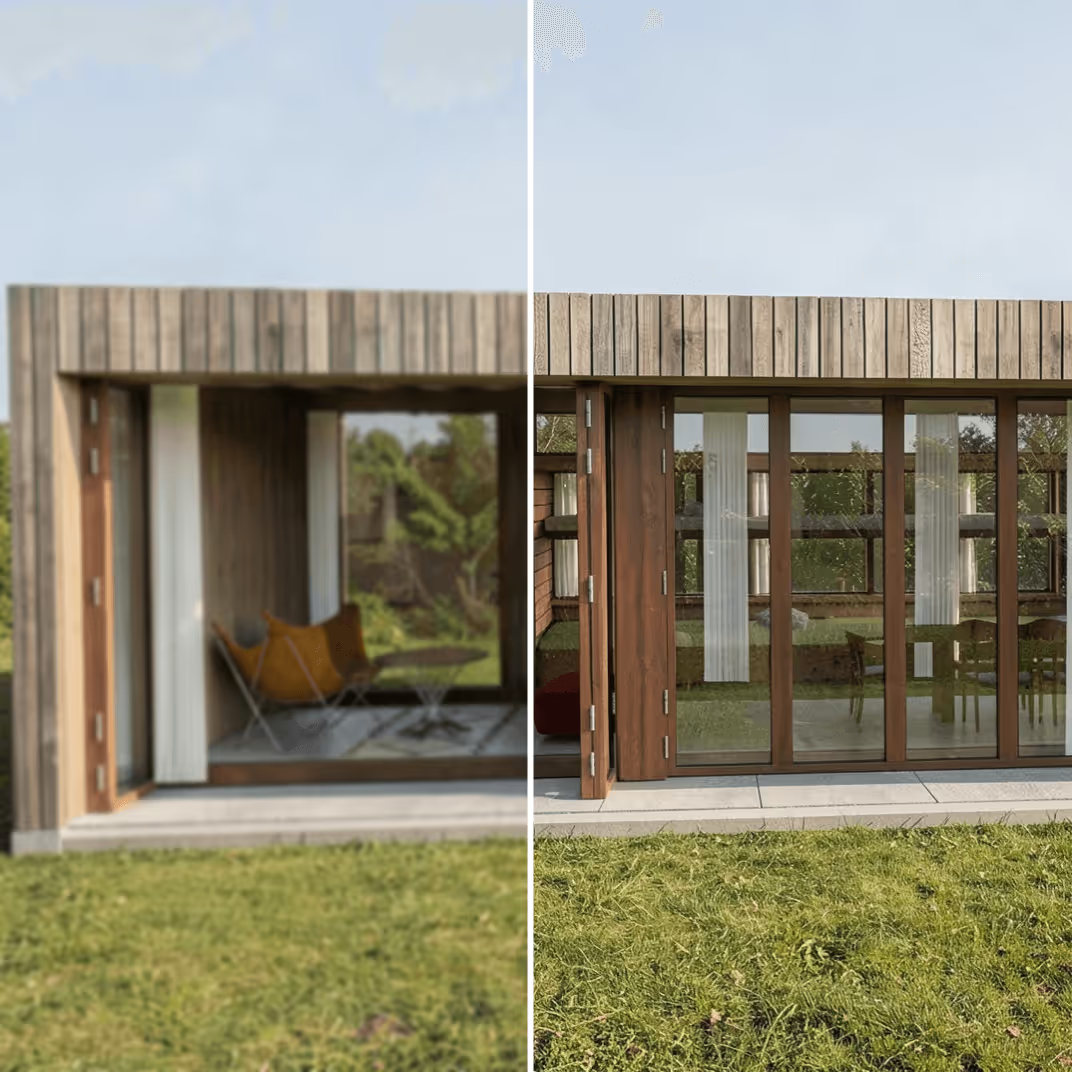
Adds detail instead of stretching pixels
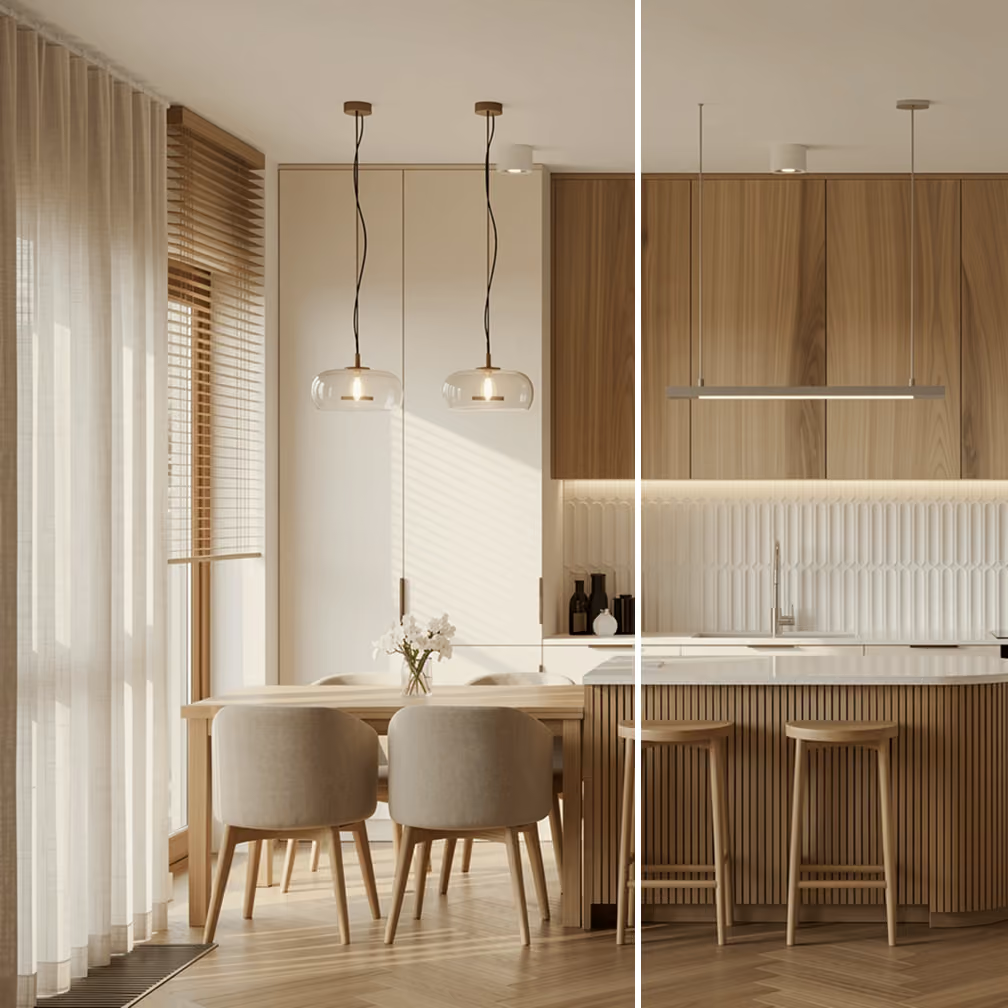
Generates a style-faithful output
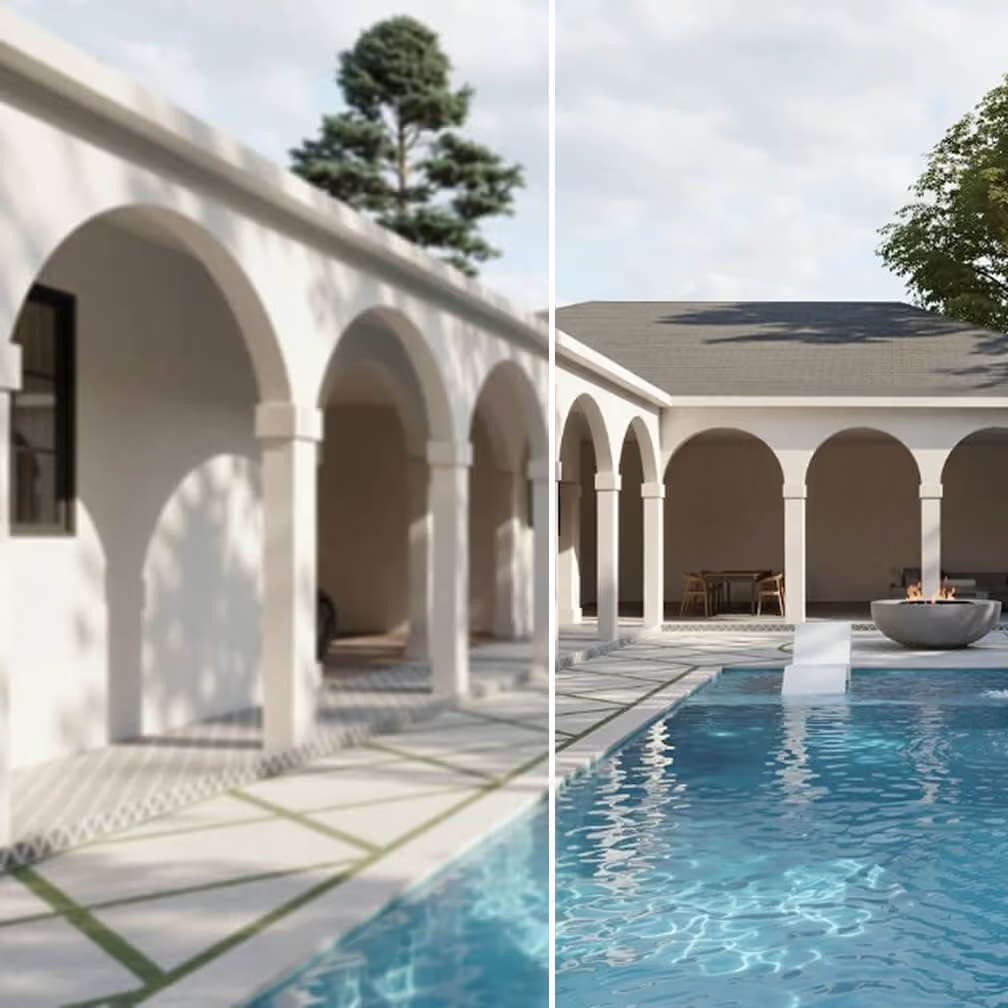
Optimized for architecture and interior design
What people use it for
Most Qwen users who end up here fall into one of these situations.
Client presentations and pitch decks
Print portfolios and brochures
Real estate listings
Competition boards
Social media and editorial
Pre-press and signage
Integrate MyArchitectAI's upscaler into your app
Give users lightning-fast upscaling experience without the complexity or wait times with a single API call. Plus, get access to other archviz tools like rendering, editing, and more.